
Replace the Person in a Video With Your AI Character: 3 Prompts That Work
How to replace a person in a video with AI: 3 prompts from X for motion transfer, character reference sheets and a 360° turn, plus how to run them on Oraclip.
 Oraclip Team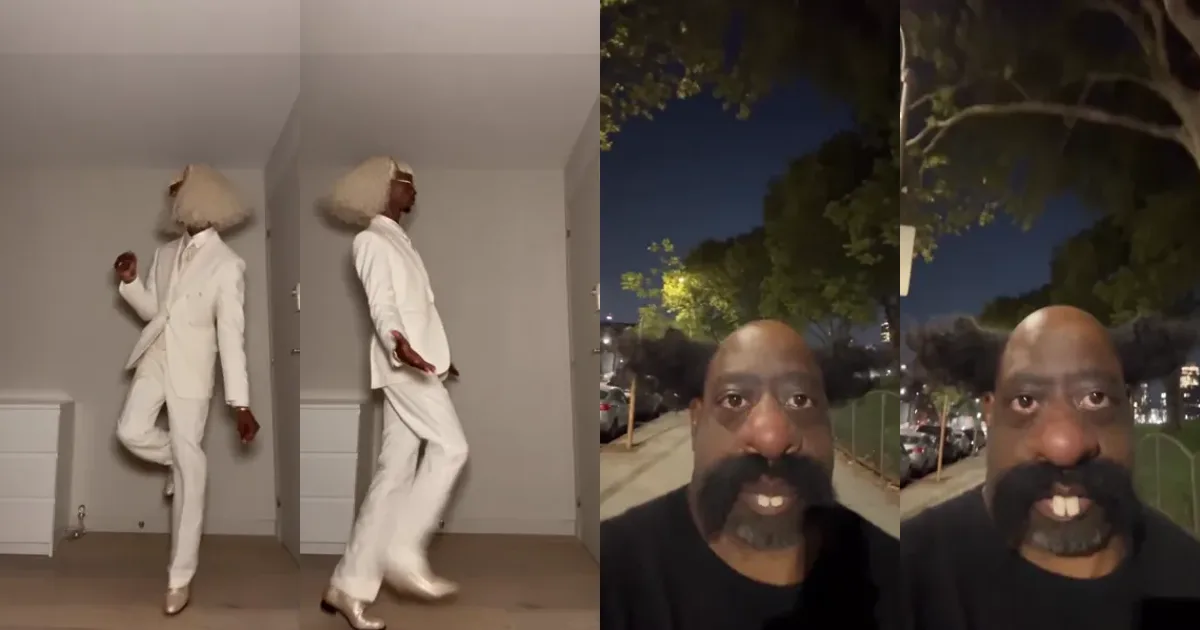
"Replace the person in this video with my character" is one of the most-shared AI video prompts on X right now, and it is barely a prompt at all. The reference video supplies the choreography, the timing and the camera; your character supplies the identity. What decides whether it works is the character reference you give the model. Below are three prompts creators posted for exactly this workflow, with the creator, the original post, a short excerpt, and how to run each one on Oraclip's motion control AI.
Do it now: replace the person in a video with motion control AI →
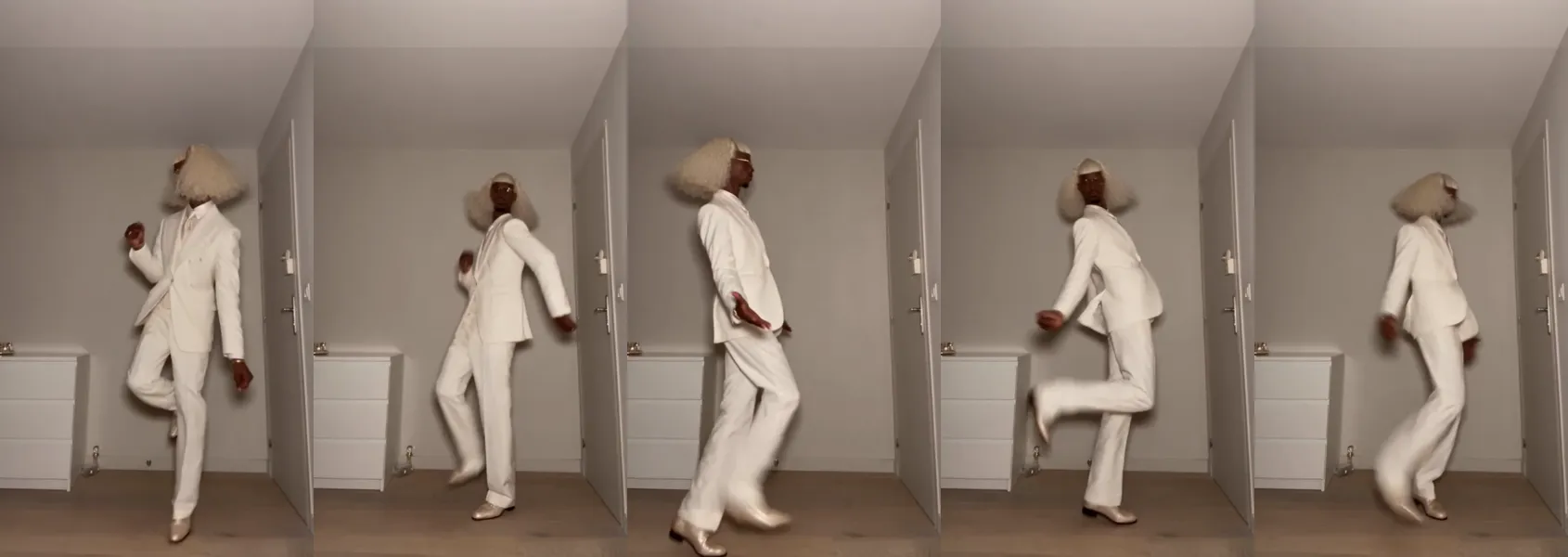
How "replace the person in the video" works
| Comes from the reference video | Comes from your character |
|---|---|
| The choreography and body poses | The face and hair |
| Rhythm and timing | The outfit and accessories |
| Camera path and framing | Body proportions |
This is motion transfer (also called motion control): you don't describe the movement in words, the model reads it from the clip. On Oraclip, Seedance 2.5 is preselected for this and reads up to 30 seconds of reference video; Seedance 2.0 works well for clips up to 15 seconds.
1. The 11-second dance swap and a six-view reference sheet, by @Beliy_95
"Replace the person in {video} with my character from {reference sheet}." — @Beliy_95 on X
What it does: the generation prompt is one sentence. The real work is the second prompt, which builds the reference sheet from your photos: "Show six views: full-body front, side and back, plus close-up face views from the front, side and back", on a clean light-grey background with soft studio light. @Beliy_95's point: an existing video is a better blueprint than describing every move, as long as the face doesn't drift.
Run it on Oraclip:
- Open the prompt page and copy the reference-sheet prompt.
- Make the sheet from your character photos (an image model works; Oraclip has several).
- On motion control AI, add the sheet as your photo and the dance clip as the reference video, then paste the one-line swap prompt.
2. The continuity sheet that stops face drift, by @0xAI42exe
"Replace the person in {video} with the person in {character sheet}." — @0xAI42exe on X
What it does: the same one-liner, with a much stricter sheet. The continuity-sheet prompt asks for "four full-body views (front, 3/4, side, back), three facial close-ups, eight expressions, six poses", a colour and material palette, and a "Do Not Change" checklist. @0xAI42exe explains why: with a weak sheet, "the face starts drifting by clip 3", and every failed try costs money. A sheet with expressions covers the moments where a dance clip shows the face from odd angles.
Run it on Oraclip: open the prompt page, build the sheet, then run the swap on motion control AI. Keep the reference clip short and trimmed to the part you need: every second counts toward the 30-second limit.
3. The 360° turn: lock one face from every angle, by @0xAI42exe
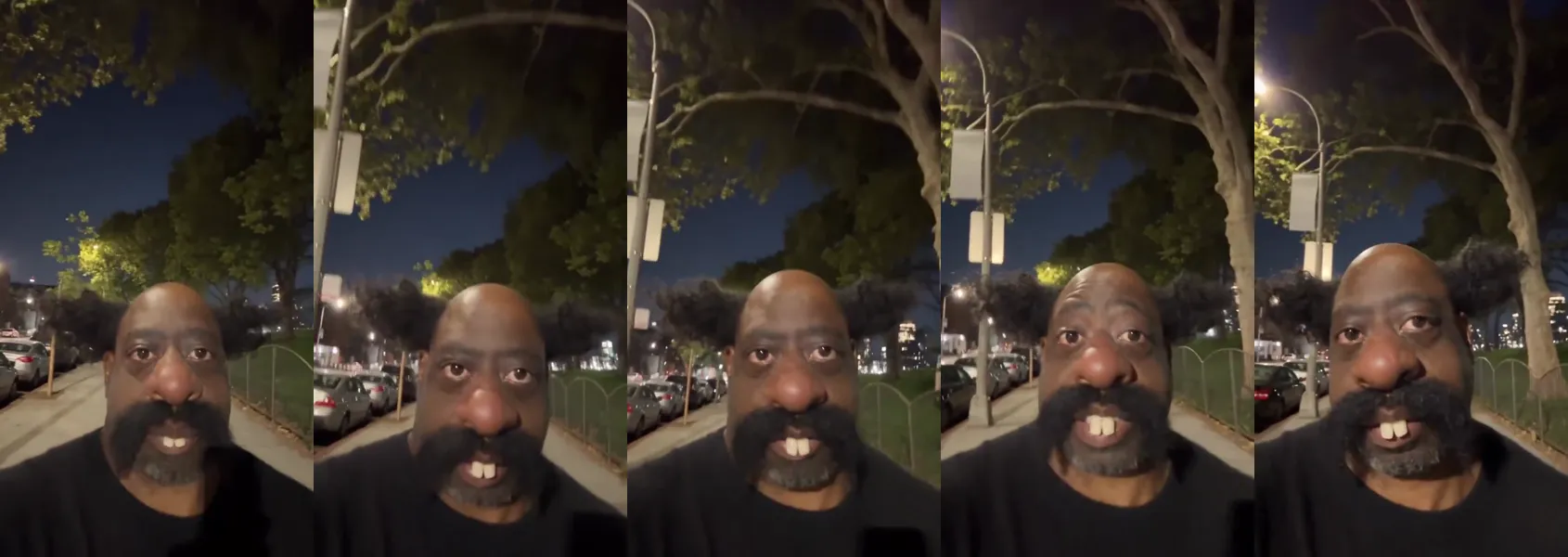
"The same man from the reference stands on a plain light-grey studio background and slowly turns 360 degrees in place, clockwise, at a steady speed… The person rotates, the camera does not move." — @0xAI42exe on X
What it does: instead of a still sheet, you generate a short turnaround video of your character: front, side, back, side, front, against a plain backdrop. @0xAI42exe built a recurring character this way and calls the 360° turn "the real secret: one face, locked from every angle". Use frames from the turn as references for every later video.
Run it on Oraclip: open the prompt → Try in Oraclip with your character photo. "The camera does not move" matters: if the camera orbits instead, the background shifts and the frames are harder to reuse.
Step by step: replace the person in a video on Oraclip
- Pick the reference video. One clear person, full body, a single continuous shot. You need the rights to the clip; Oraclip's trend pages come with ready-made reference clips.
- Prepare your character. A six-view sheet (prompt 1), a continuity sheet (prompt 2) or frames from a 360° turn (prompt 3).
- Open motion control AI. Add your character image and the reference video.
- Paste the one-line prompt. "Replace the person in the video with the character from my image. Keep the motion, timing and camera."
- Check the cost and generate. The exact credit cost shows before you generate.
For two to four people, line everyone up in your image the way they stand in the clip: the model matches people by position.
Tips that save credits
- Trim the clip to the part of the dance you want before uploading.
- Same outfit in sheet and video. Changing clothes between sheet views is the fastest way to get drift.
- Plain backgrounds for sheets. Light grey, even light, no props.
- No public figures, no one who didn't agree. Only use characters and photos you have the right to use.
FAQ
Can AI replace a person in a video?
Yes. Give a motion-transfer model the video and an image of the new character, and it re-renders the clip with your character doing the same moves, timing and camera. On Oraclip that is motion control AI.
What's the best prompt for replacing a character?
A single line is enough: "Replace the person in the video with the character from my image." The quality comes from the character reference: a six-view or continuity sheet, or a 360° turn.
Is it free?
Copying the prompts is free. Generating uses Oraclip credits, shown before you generate; see pricing.
Can I replace two people at once?
Yes, for small groups. Put the characters in your image in the same left-to-right order as the people in the clip.
More prompt roundups
- Kling 4.0 vs Seedance 2.5: same-prompt tests
- Seedance 2.5 prompts: cinematic examples
- AI product ad video prompts
- All motion transfer prompts
Ready? Replace the person in your video with motion control AI →