
Remember November 2026 AI Video Generator
Turn your pet or selfie into the singing polar bear trend. Upload one photo and get a 10-second snowy night clip with sound, ready for TikTok and Reels.
- 1 photo in
- 10s · 9:16 vertical
- Sings with sound
Failed renders are refunded automatically · Free credits to try
Make your Remember November clip
Prompt pre-writtenStyle
Model
Sound: original a cappella; add trending audio in TikTok.
Remember November polar bear examples
The original clip, the reposts that spread it, and the first pet and human remixes. Each card credits the creator who posted it.
- Original
Clip by @bigbakdiskk28
1.9M views
- Pet
Clip by @alfredsanchezofficial
195K views
- Human
Clip by @iaml0ry
1.3M views
- Repost
Clip by @november2026daily
2.6M views
- AI remake
Clip by @brushy.marquez443
1.2M views
- Template sample
Clip by MakeViral
- Repost
Clip by @nonunmeme
886K views
- 2023 origin
Clip by @gmd_arahis
5.1M views
- Template sample
Clip by JumpOnTheTrend
- Meme edit
Clip by @userlame112
90K views
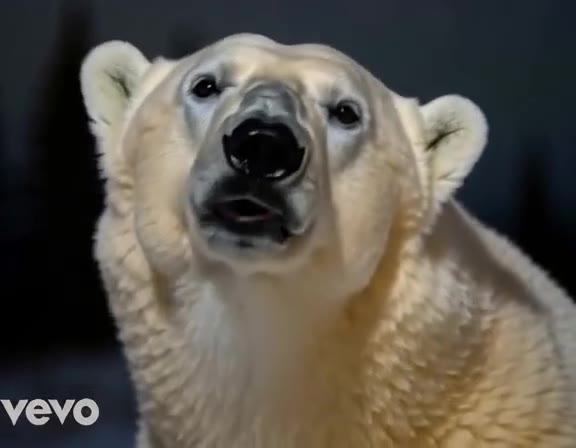
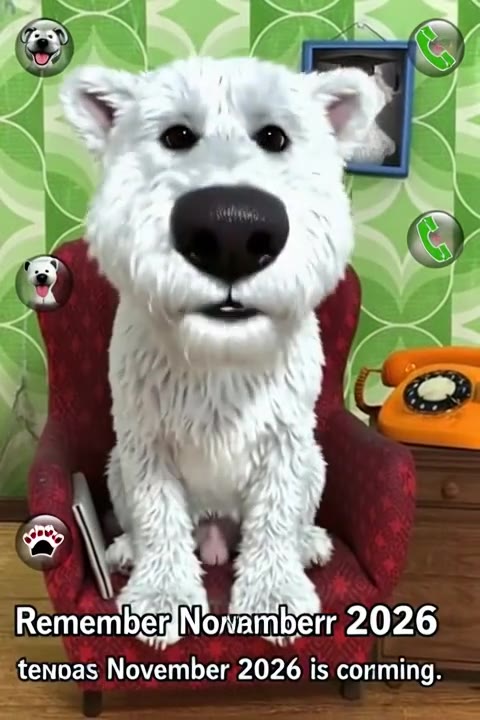
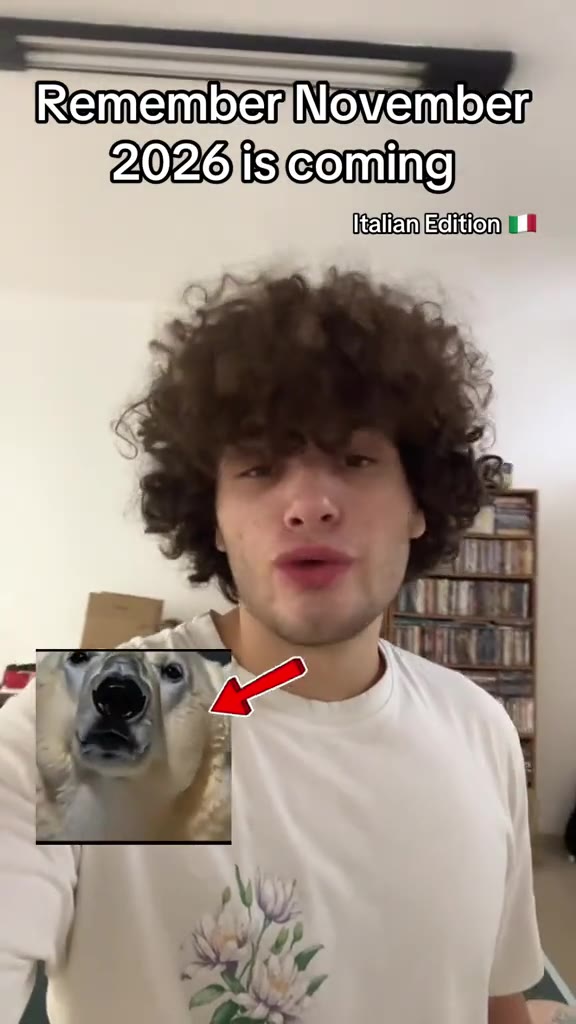
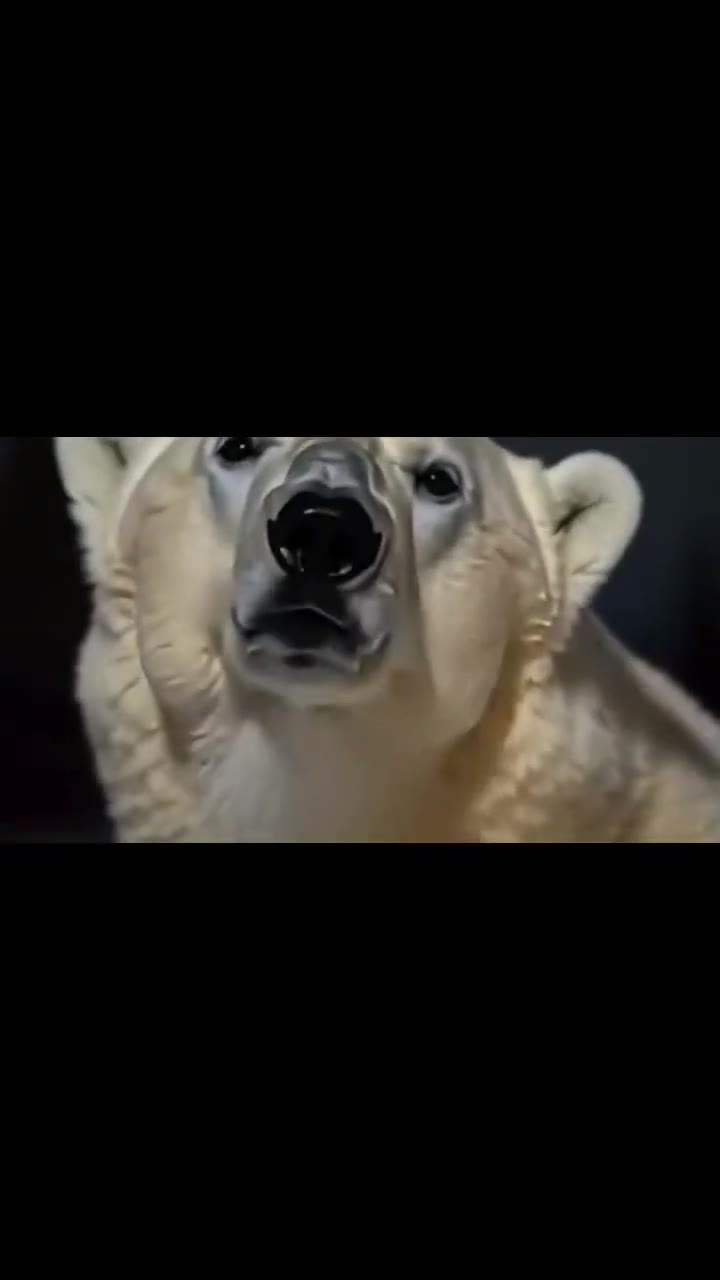
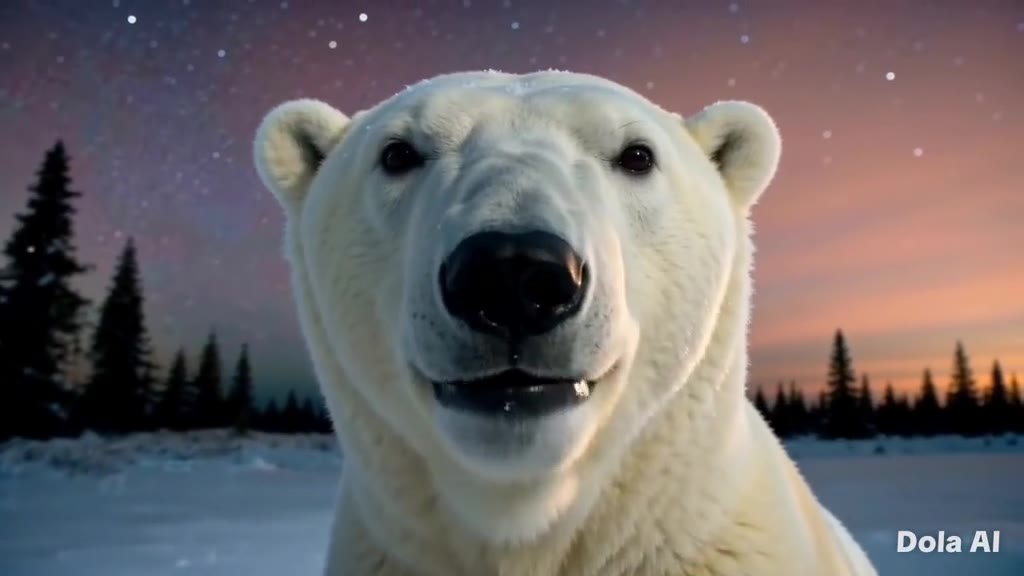
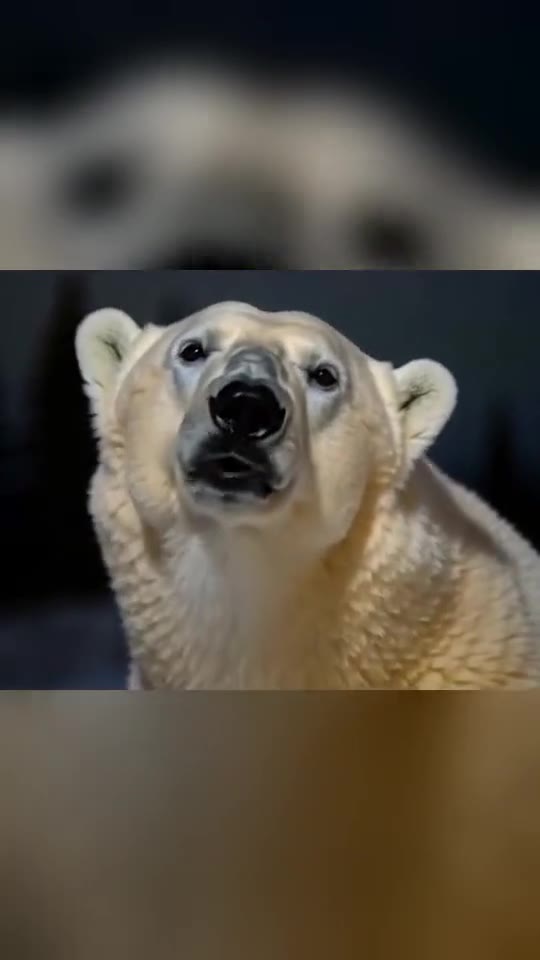
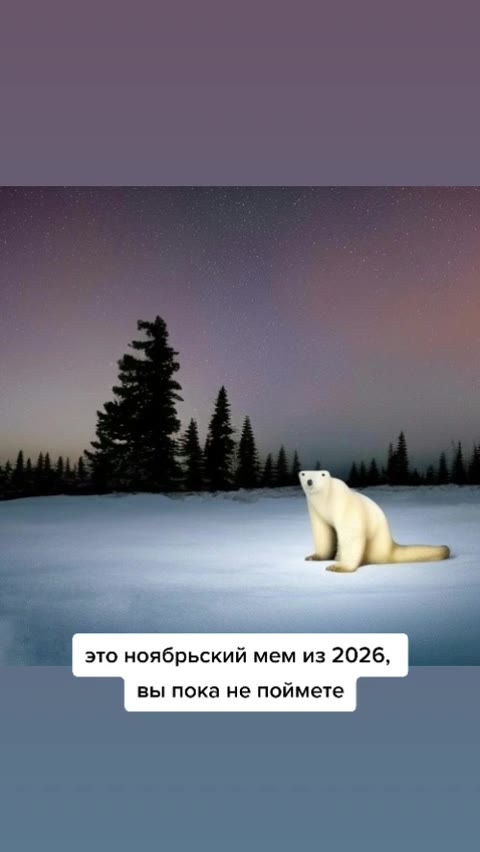
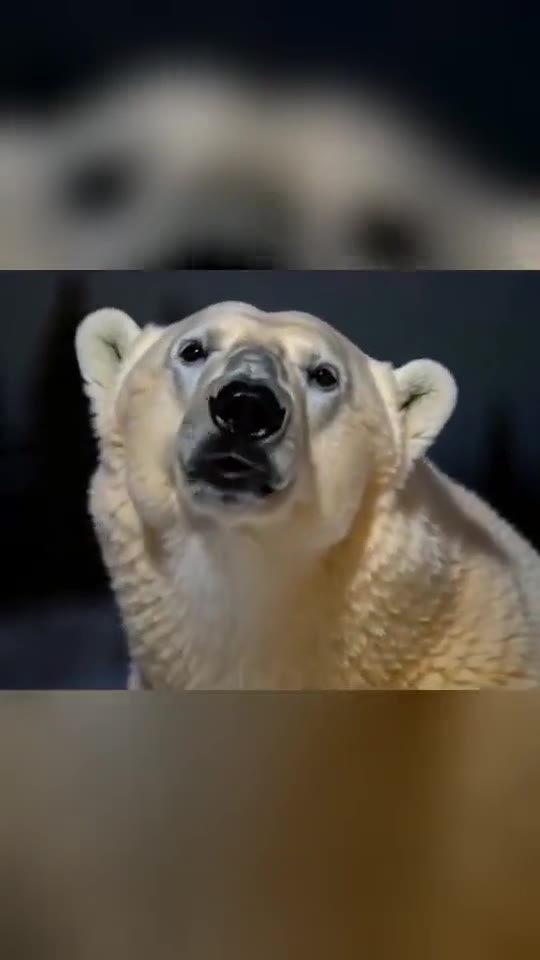
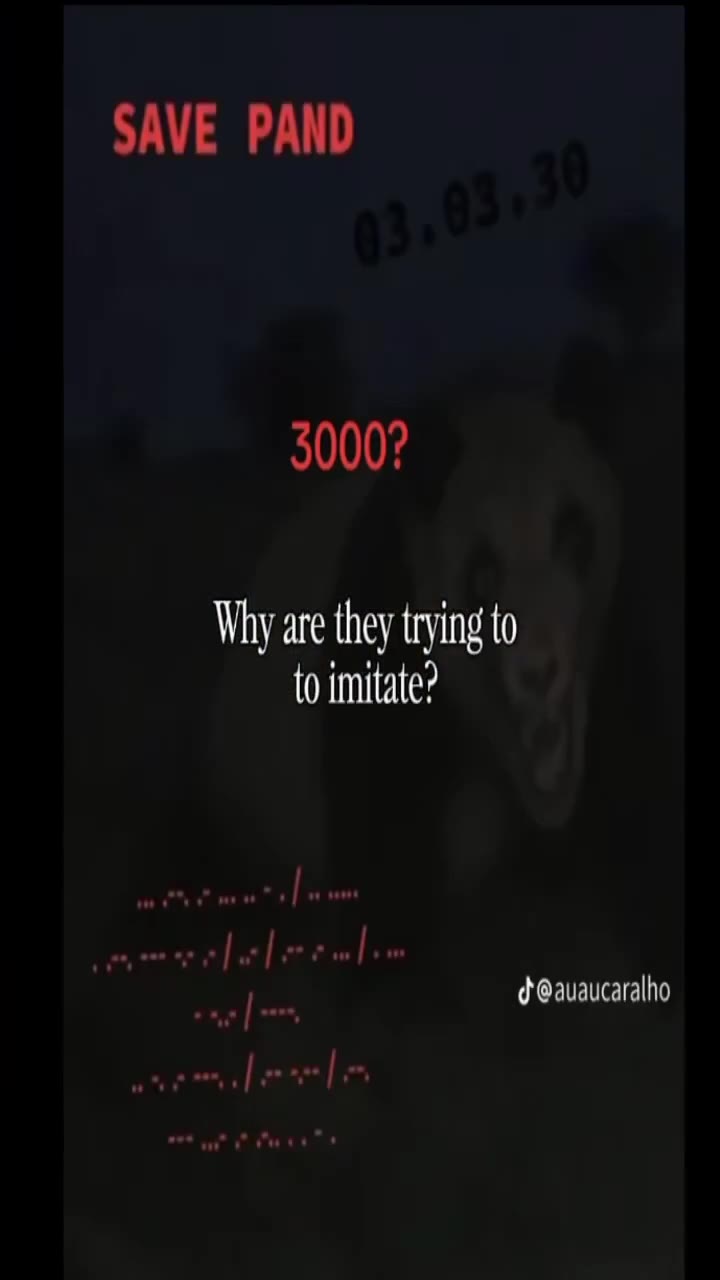
Example clips from the trend are credited to their creators and shown for reference. Your video is a new clip rendered by AI from your photo, with its own original sound.
What the Remember November polar bear trend is
In March 2023 a TikTok post called an eerie polar bear picture “a November meme from 2026”. On 28 August 2026 an AI clip of that bear singing “Remember November 2026 is coming” brought it back, and reposts and remixes followed.
- 1
The shot
A snowy field at night, pine trees, a purple-pink starry sky and a slow push-in from a wide shot to a close-up.
- 2
The line
The singer closes its eyes, sways its head and sings one line: “Remember November 2026 is coming.”
- 3
Your version
Your pet or you take the bear's place, or the bear quietly rises behind you. Same snow, same push-in, same line.
- 4
The sound
Oraclip renders an original a cappella vocal with wind and snow. Add the trending sound yourself when you post in TikTok or CapCut.
How to make a Remember November video
The scene, the camera move and the lyric are already in the prompt. You only bring the face.
- 1
Upload one photo
A pet, a selfie or a plush toy. Front-facing, well lit, one subject. The photo sets the face, fur and colours.
- 2
Pick a style
Turn your pet into the polar bear, become the bear yourself, or keep your photo and let a giant bear rise behind you.
- 3
Generate and post
Get a 10-second vertical clip with an a cappella vocal. Download it and add the trending sound in TikTok or CapCut.
Photos that work best
- One subject, face turned to the camera, in good light
- Pets: the whole head in view so fur colours and markings carry over
- MiniMax H3 keeps your photo's background, so pick a snowy or night photo for it
Weaker results
- Sunglasses, hats or hands covering the face
- Group photos or several pets in one frame
- Blurry, very dark or heavily filtered photos
Fine-tune the prompt
This is the full prompt the generator above sends. Edit any line, add a reference clip you are allowed to use, or switch the model here.
Remember November 2026 FAQ
What is Remember November 2026?
A TikTok meme in which a polar bear sits in a snowy field at night, closes its eyes and sings “Remember November 2026 is coming.” It revives a 2023 picture that was captioned as a meme from November 2026. This page recreates the scene with your own pet or photo as the singer.
Is the original song included?
No. The viral clip uses a commercial track that we do not have the rights to. Oraclip renders an original a cappella vocal with wind and snow sounds. To use the trending sound, add it from the TikTok or CapCut sound library when you post.
Can I use my dog or cat?
Yes. Pick “Pet as polar bear” and upload a photo with the whole head in view. The prompt keeps your pet's face, fur colours and markings. Fur and mouth movement can still drift, so watch the clip before you post it.
How many credits does it cost?
A 10-second clip costs 920 credits with Seedance 2.0 at 480p (the default), 2,000 credits with Seedance 2.5 at 720p, and 830 credits with MiniMax H3 at 768P. Failed renders are refunded automatically. Paid plans start at $8.9/month.
Which model is used, and can I switch?
Seedance 2.0 is preselected: it uses your photo as a character reference and builds the snowy night around it. Seedance 2.5 gives sharper detail at 720p. MiniMax H3 starts from your photo as the first frame, so your own background stays; it works best when the photo already shows snow or night.
Why does the bear sing a different tune?
Because the video model writes its own melody. We ask for a soft, original lullaby so your clip is yours to post. Mute it and add the trending sound in TikTok if you want the familiar tune.
More from Oraclip
Make your Remember November video before November
One photo, 10 seconds, a snowy night and a singing polar bear.