
How to Make a Photo Sing With AI (Historical Figures Too)
Make a photo sing with AI: upload a song, write lyrics or type an idea, and a portrait or a group of historical figures sings it. Steps, rules, prices, FAQ.
 Oraclip Team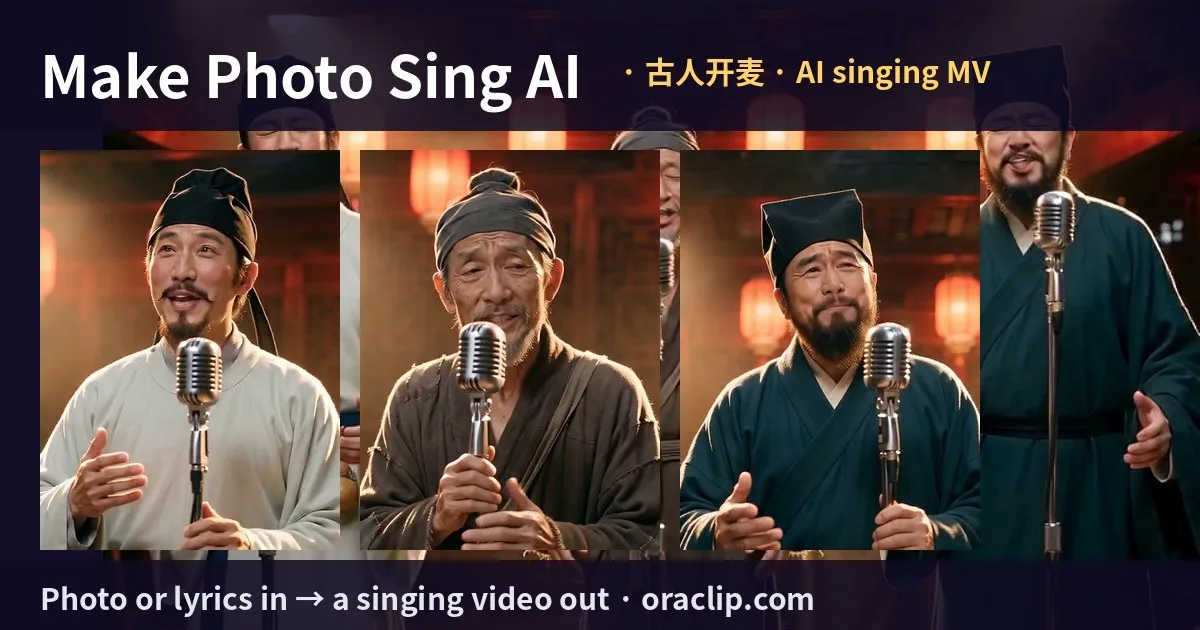
Want a portrait to sing? Grandma's wedding photo, a painting of a Tang poet or your own selfie can sing a song you upload, write or just describe in one line. This guide covers where the "historical figures singing" trend came from, the craft rules behind the good versions, and how to make one on Oraclip in four steps, with prices and honest limits.
Make it now: Make Photo Sing AI →
Where the trend came from
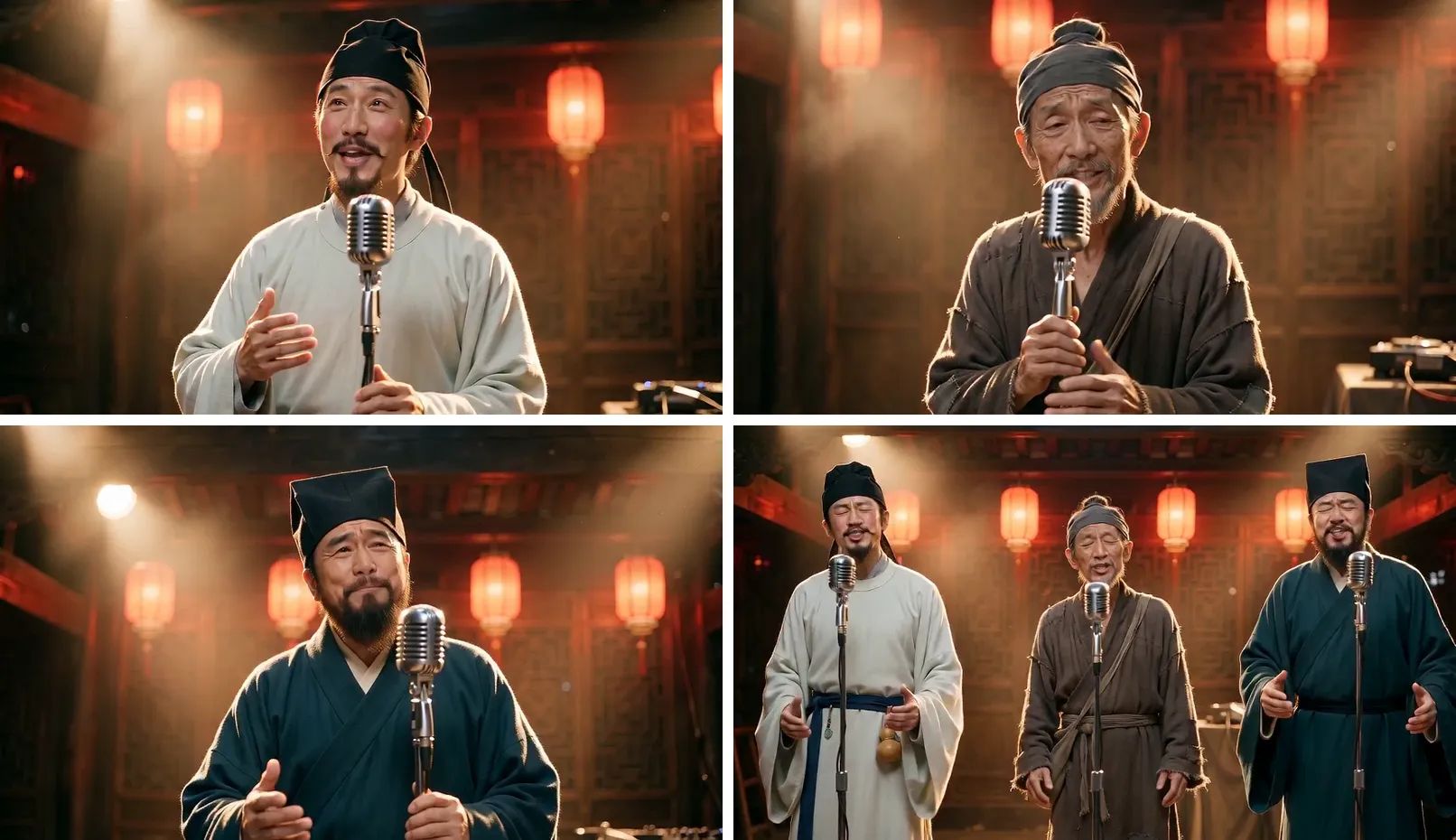
- On October 13, 2026, director 喆FILM (Wang Kunzhe) posted 《过来人》 (The OGs) on Douyin: an AI music video in which Du Fu, Su Shi, Liu Bang, Li Bai and other figures from Chinese history take the mic and sing about rent, setbacks and starting late, as people who have been through it all.
- By October 22 the Beijing Youth Daily counted about 124 million plays across platforms (interview). Chinese-speaking audiences now call the format 古人开麦, "the ancients take the mic".
- The creator made it mostly on LibTV and published his canvas and prompts there (project "古人开麦特别篇《过来人》"). He also asked imitators not to pass their videos off as the original (Beijing News interview).
Watch credited excerpts of his originals next to ours on the examples wall.
The craft rules that make it work
We tested the format for two rounds before building the page. These rules made the biggest difference:
- One whole sung line per shot. A 4–6 second shot that starts and ends on a line reads as singing; a shot cut mid-word does not.
- Medium close-up from the first frame. Chest up, face about a third of the frame, no zoom-in halfway through.
- A stand mic at chest height. If the mic covers the mouth, the singing illusion breaks.
- "Don't smile while singing." Models love to turn a singer into a grin; the prompt has to forbid it.
- Everyone on stage from frame 1 in the chorus. A waist-up group shot, not an empty stage that fills up.
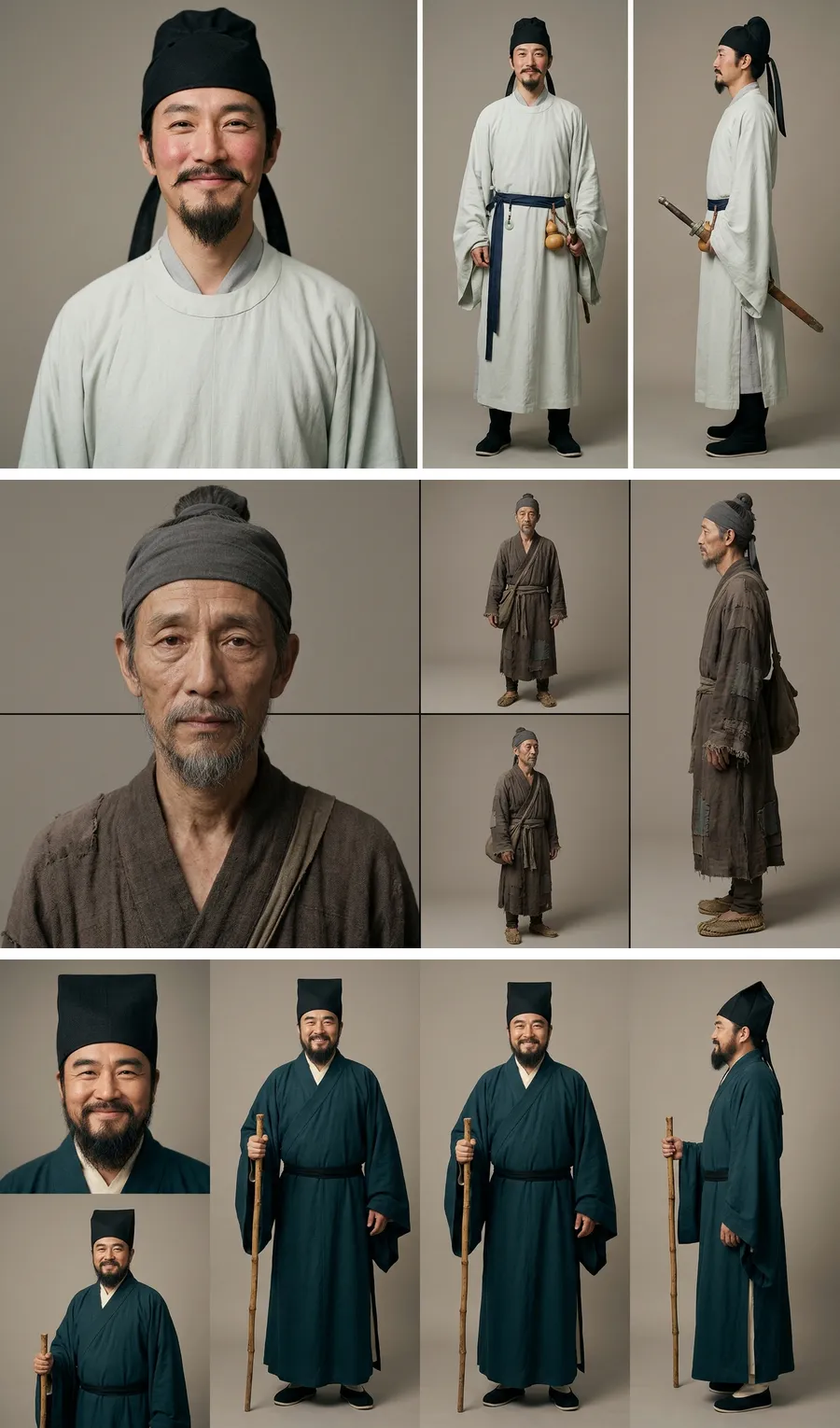
- A look sheet for every face. In a group MV, each person first becomes a four-view sheet (front portrait, front, three-quarter, profile), so the face stays the same from shot to shot.
How to make a photo sing on Oraclip
-
Open Make Photo Sing AI and pick 🎤 Solo or 👥 Group MV. A group can use our ancient poets (Li Bai, Du Fu, Su Shi) for free, or up to three of your own photos.
-
Add a clear photo. One face, looking at the camera, shoulders in frame. Paintings and public-domain portraits work well.
-
Get the song. Three ways:
- Upload song: a track you own or have the rights to. You pick where it starts.
- Write lyrics: tag
[Verse]and[Chorus], pick a style and a voice. - Just an idea: one sentence, for example "three ancient poets complain about modern rent". The song step writes the lyrics too.
Song mode makes two takes; keep the one you like. The chorus is found automatically from the timed lyrics.
-
Check the shot plan, pick the stage and length, then render. Each line becomes its own shot. When all shots are done, the page stitches them in your browser with the original song audio, name tags and lyric subtitles.
What it costs
| Step | Preview 480p | HD 720p |
|---|---|---|
| Song (2 takes) | 63 credits | 63 credits |
| 10 s video | 480 | 1,010 |
| 15 s video | 720 | 1,515 |
| 30 s video | 1,440 | 3,030 |
| Look sheet per own photo (group) | 31 | 31 |
Uploading your own song skips the song step. A failed shot is refunded automatically. A good habit: render a Preview first, then remake the same plan in HD with one click.
Honest limits
- It is not frame-accurate lip-sync. The singer moves with each line and the original song is laid on top, so it reads as singing. It does not match every syllable. Short lines and clear faces work best, and any shot can be retaken.
- No living public figures. Historical figures from public-domain portraits are fine, and so is your own face or a family photo with permission.
- Your song, not someone else's. Don't upload a song you don't have the rights to, and don't copy the lyrics of 《过来人》. Make your own.
Ideas that work
- Historical figures singing: poets, emperors, philosophers or US presidents from public-domain portraits singing about modern problems.
- Family: grandparents' wedding photo singing a birthday song.
- Pets: your dog singing a love song about snacks (solo mode, keep the photo's background).
- Class projects: a historical figure sings a summary of their own life.
FAQ
How do I make a picture sing with AI?
Add a clear portrait on Make Photo Sing AI, get a song (upload, lyrics or an idea), choose a length and press Make. Each lyric line is rendered as its own shot, then stitched with your song into one video.
Can I use my own song?
Yes. Choose Upload song, set the start and confirm you have the rights. The final video plays your original audio.
How do I make historical figures sing like the 过来人 video?
Pick Group MV, use the ancient poets preset or add public-domain portraits, write one line per singer and tag a [Chorus]. In the chorus shot, everyone is on stage at once.
What ratio and length can I get?
9:16 for TikTok, Reels and Shorts, or 16:9 for YouTube, at 10, 15 or 30 seconds.
Related
- Make Photo Sing AI: the tool, with the examples wall.
- Image to video AI: animate any photo without a song.
- I'm So Sorry I Lied AI: another trend from one real photo.
Photo ready? Make it sing.