
How to Get a Personalized Video from Santa (Free and AI Options)
How to get a video from Santa that says your child's name: actor, app or AI compared, 3 steps with AI, what's free, and how to make Santa say the name right.
 Oraclip Team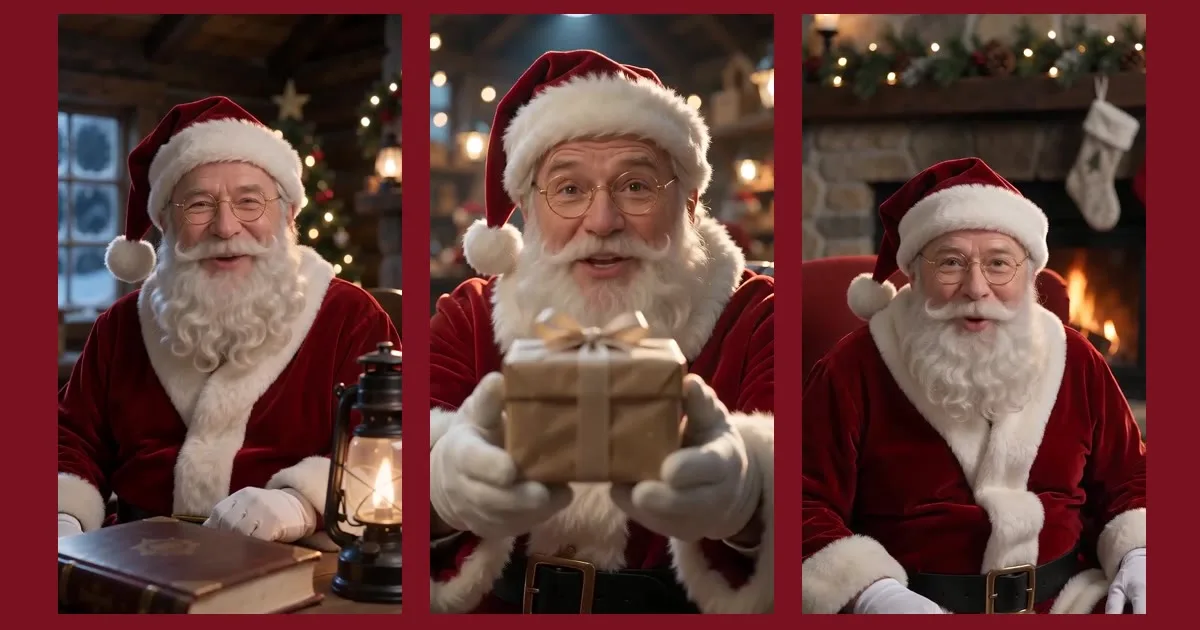
A video where Santa looks into the camera and says your child's name is one of the easiest bits of Christmas magic to make. This guide compares the three ways to get one, shows how to make it with AI in about three minutes, explains what is free, and covers the one thing that matters most: getting the name right.
Make it now: AI Santa Video →
Three ways to get a video from Santa
| Real Santa actor | Scripted Santa apps | AI Santa video | |
|---|---|---|---|
| Says any name | Yes | Usually from a fixed name list | Yes, read from your text |
| Your own words | Yes | Fixed scripts | Yes, in 8 languages |
| Turnaround | Days, booked in advance | Minutes | About 3 minutes |
| Child photo needed | Sometimes | Often | Never on Oraclip |
| Cost | Highest | Yearly pass or per video | Credits per video, free name preview |
A booked actor is the most personal but needs planning. Scripted apps are polished but limited to their scenes and names. AI sits in between: any name, your own words, ready in minutes.
How to make a personalized Santa video with AI (3 steps)
- Type the first name and listen. Open AI Santa Video, type up to three first names and press Hear Santa say it. You hear Santa's voice say the name, free, 3 times a day.
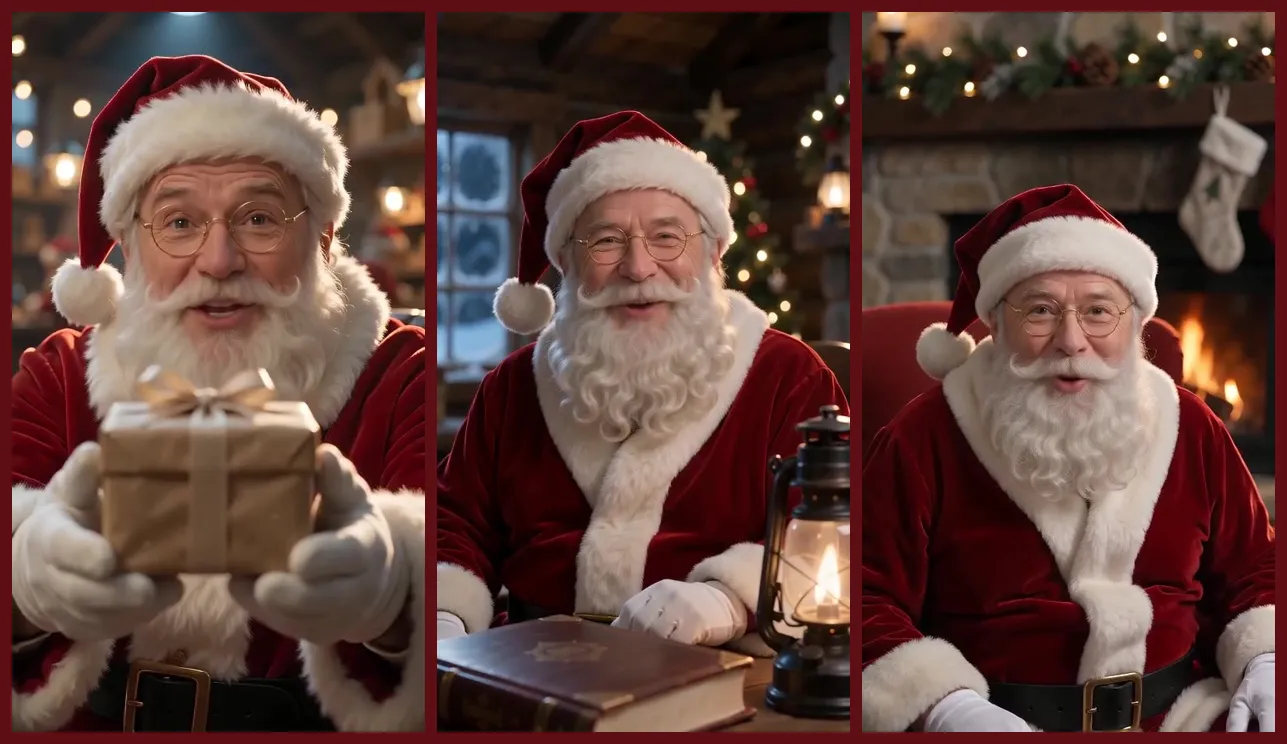
- Pick a message and a scene. Start from Nice List, Got your letter, Christmas Eve, Be good (gently), Birthday or Gift is coming, and edit the words. Choose Santa's desk, the fireplace, the workshop, the sleigh or a video-call look, then 10 or 15 seconds and 9:16 or 16:9.
- Render, play and download. Santa's voice reads your words first, then the video is filmed around that voice line. The page plays the clip with the original voice and downloads it as an MP4.
Can you get a video from Santa for free?
Hearing Santa say the name is free on Oraclip, 3 times a day, with no account. The video itself uses credits: a 10-second Standard message is 495 credits, HD is 1,025. New accounts get starter credits, which is enough to try a Standard video. Remaking a finished Standard video in HD reuses Santa's voice line, so you only pay for the HD video.
How to make Santa say the name right
This is where most Santa videos go wrong. A few tips:
- Listen before you pay. The free preview uses the same voice as the video.
- Use the "sounds like" box for names that aren't spelled how they sound: Shih-vawn for Siobhan, Ee-fa for Aoife, Neev for Niamh. Santa reads the spelling, while the name stays as you typed it.
- Use the name the child hears every day. A nickname often lands better than the full name.
- Up to three kids in one video: Santa greets them together.
Santa speaks 8 languages
English, Spanish, Portuguese, French, German, Japanese, Korean and Chinese, all with the same warm voice. Each preset is written for its language, so it doesn't sound like a translation. Turkish isn't available for the voice yet.
When to play it
- December 1st, to start the countdown with "I got your letter".
- Christmas Eve at bedtime, with the Christmas Eve message and the sleigh scene.
- Christmas morning on the TV: pick 16:9 and cast it.
- Birthdays, any time of year.
Privacy: no photo of your child
Oraclip's AI Santa only asks for first names. No last names, schools or addresses, and no photos of children: the selfie mode is for adults and the pet mode for pets, and every photo is checked before any credit is used. Names, scripts and voice files are deleted after 30 days, and Santa videos never appear in a public gallery.
FAQ
How do I get a personalised video from Santa with my child's name?
Type the first name on AI Santa Video, check it with the free preview, pick a message and scene, and press Make. It takes about three minutes.
Is the AI Santa video real?
It is an AI-made video of Santa Claus. How you share the magic is up to you.
Can I write my own message?
Yes. Choose "My own words". Santa keeps it kind: scripts that threaten coal, "no presents" or "Santa isn't coming" are refused.
Can Santa video call my child?
The Video call scene gives you a FaceTime-style recording. It is a recorded video, not a live chat.
Related
- 32 things Santa can say: scripts to copy.
- Selfie with Santa AI: make Santa hug you in a video.
- Make Photo Sing AI: another way to surprise the family.
Ready? Let Santa say their name.