
 Made with Oraclip
Christmas Pajama AI
Upload one photo of you, your partner or the whole (grown-up) family and get everyone in matching Christmas pajamas: cocoa on the sofa, a goofy dance by the tree, or the pet in a matching top. Your faces, 8 seconds, vertical.
Put everyone in matching pajamas
One clear photo of one adult, a couple or a group of adults; a dog or cat in it is welcome. Pick a look and generate. The pajamas, the room and the move are already in the prompt. There is no free preview: every render uses credits.
1 · Upload one photo
2 · Pick a pajama look
3 · Pick a quality and generate
Only upload photos of adults who agreed, and pets. No minors, no public figures. The pajamas, sets and music are our own. No free preview: every render uses credits. Failed renders are refunded automatically. See plans
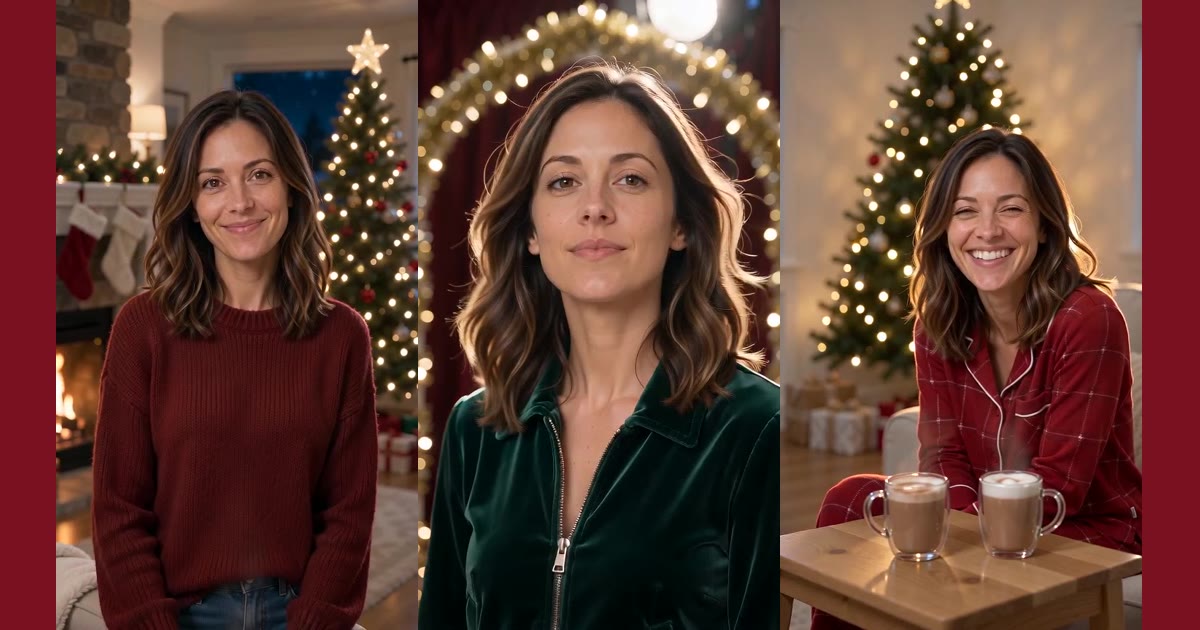
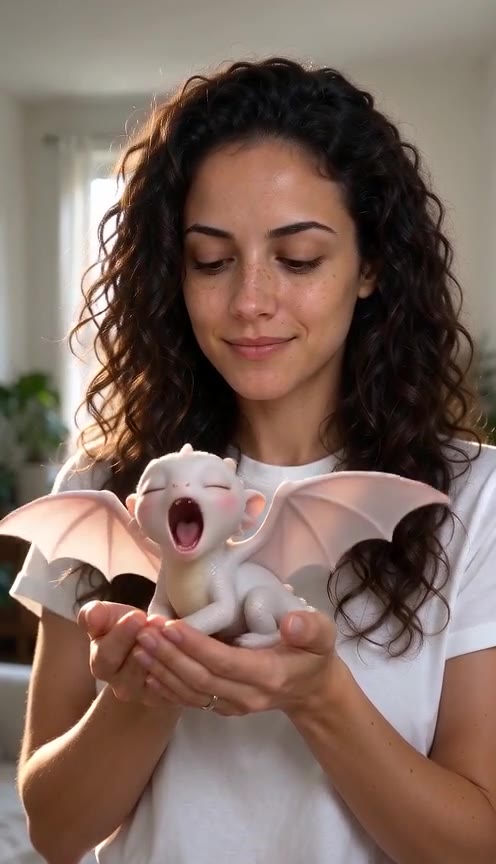
Christmas pajama AI examples
One 8-second clip per look, all made on this page’s default settings (Seedance 2.0 Mini, 480p): sofa and cocoa, the pajama dance and the pajamas with the pet.
- Made with Oraclip
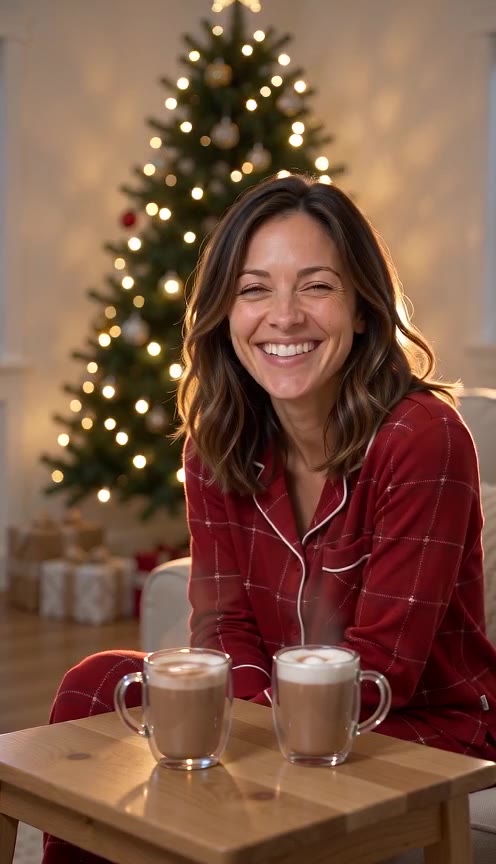
Sofa and cocoa
via Seedance 2.0 Mini · 480p · 8 s
- Made with Oraclip
Pajama dance
via Seedance 2.0 Mini · 480p · 8 s
- Made with Oraclip
With the pet
via Seedance 2.0 Mini · 480p · 8 s
- Made with Oraclip
Friends dance
via Seedance 2.0 Mini · 480p · 8 s
Tap a clip to play it with sound. These samples were made with Oraclip from AI-generated portraits. Your video is generated from your own photo. contact@oraclip.com
What is a Christmas pajama AI video?
The matching Christmas pajama photo is a family tradition, and a hard one to pull off: the right sizes, everyone home, someone to hold the camera. The AI version skips all of it. One photo goes in and everyone comes back in matching plaid by the tree.
This page goes one step further and makes it move: a laugh over cocoa, a goofy little dance, or the dog wiggling in its own matching top. The faces come from your photo and the clip ends with everyone looking at the camera.
You do not write a prompt. You can type one optional detail, such as green plaid or Santa hats.
The clip, second by second
0–2 s: everyone in matching pajamas, smiling at the camera.
2–5 s: a laugh, a shuffle step, or the pet wiggling in its top.
5–8 s: a wave or a silly pose, then every face back to camera.
Why the faces stay put
The photo is an identity reference, not a frame we paste in. A group photo keeps every adult in it and does not invent a new person. A pet in the photo stays that pet.
Three Christmas pajama looks
Pick a look in the generator, or tap one here to load it.
Sofa and cocoa
Red flannel pajamas on the sofa by the tree. They laugh, the cocoa steams, and they wave.
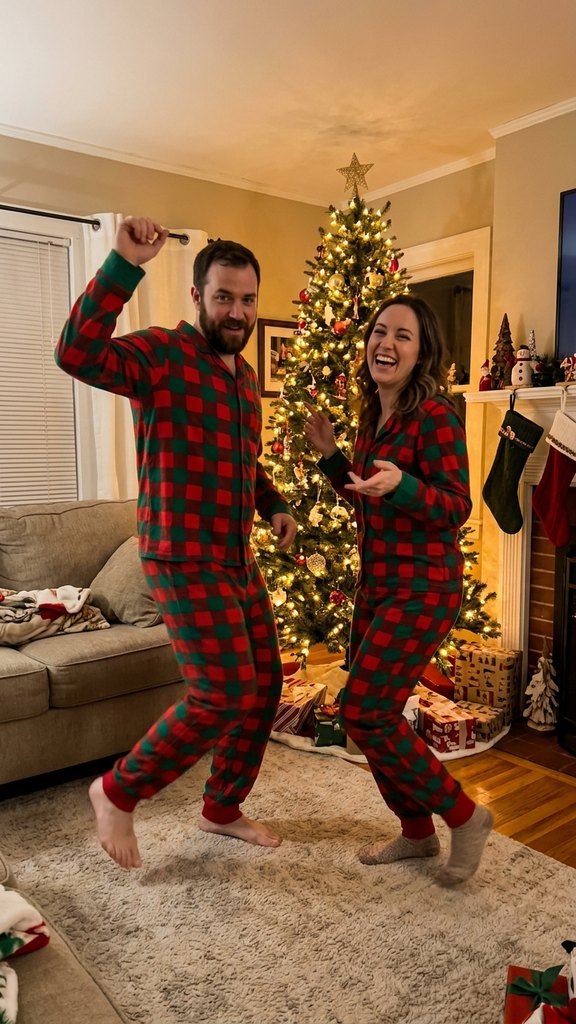
Pajama dance
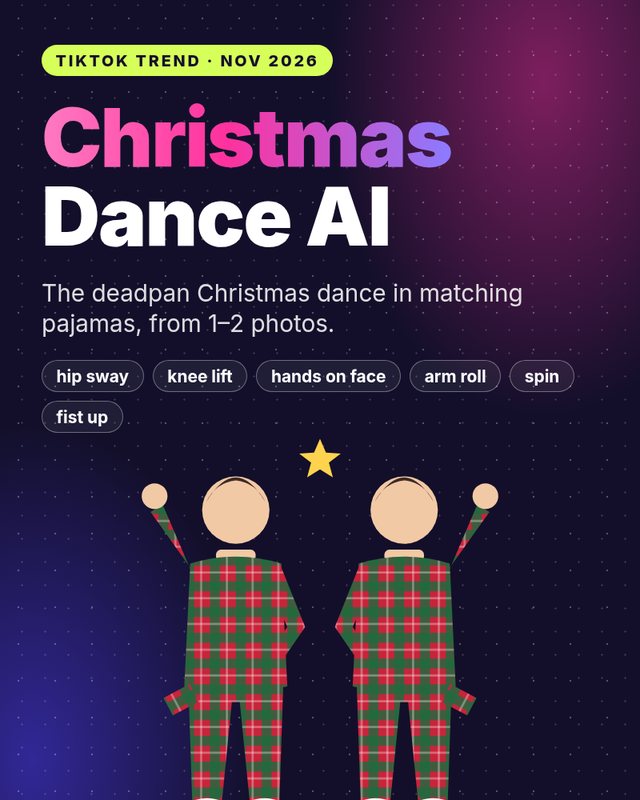
Buffalo plaid, full body, in front of the tree: a side step, a hip bump, a spin, then a silly freeze.
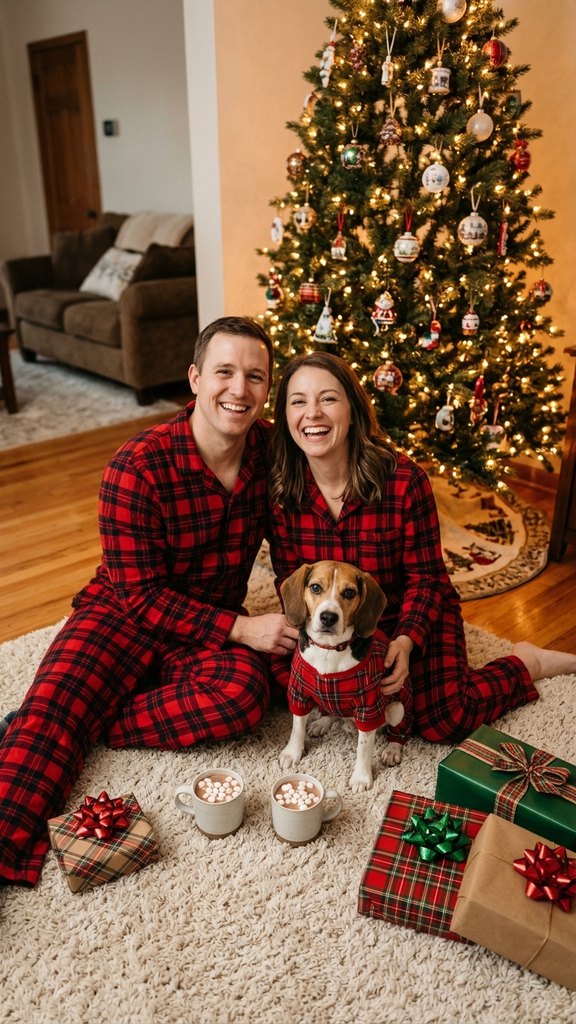
With the pet
Everyone on the floor by the tree, the dog or cat from your photo in a matching plaid top. No pet in the photo? A small fluffy dog joins in.
How to make a Christmas pajama AI video
The tool sits under the heading above. Three steps, then the clip is in your Library.
- 1
Upload one photo
A selfie, a couple or a group of adults, every face clear. Add the pet to the photo for the pet look.
- 2
Pick sofa, dance or with the pet
Each look has its own room, pajamas and 8-second move. Optional: one short detail, such as “green plaid”.
- 3
Generate the 8-second clip
480p is the default and the cheaper one. 720p is sharper. You get a vertical MP4 with festive music for the family chat.
Photos that keep the faces
The model only knows each person from the pixels you upload. Clear faces are the difference between “that is us” and “that is a family next door”.
- Adults only, every face clearly visible
- Up to four or five people, close together
- Daylight or a bright room
- A pet in the photo for the pet look
Weaker or blocked
- Photos of children or anyone under 18 (never allowed)
- Tiny faces in a wide group shot
- Very dark, blurry or heavily filtered photos
- Celebrity or public-figure photos
Limits of the Christmas pajama AI
What the page will and will not do, so you do not burn a render on the wrong job.
| You might want | What this page does |
|---|---|
| A still pajama photo | A video of that photo. Grab a frame from the clip if you want a still. |
| The kids in pajamas | Refused. Adults who agreed, and pets, only. |
| Santa in the room | Use AI Santa Video for a message from Santa that says a name. |
| Only the pet, in green fur | Use Grinch Pet AI. |
More Christmas videos on Oraclip
Matching pajamas are for the household. If you want Santa to say a name, that is AI Santa Video. If you want only the pet as the green grump, that is Grinch Pet AI. If you want your car glowing in the snow, that page is here too.
Fine-tune your video
Same prompt, full controls: switch the model, length or aspect ratio, attach a reference video, then generate.
Christmas pajama AI FAQ
How do I make a Christmas pajama AI video?
Upload one photo, pick Sofa and cocoa, Pajama dance or With the pet, and press Generate. You get an 8-second vertical MP4. You do not write a prompt.
Will the faces look like us?
The photo is the identity reference. Hair, glasses, facial hair, skin tone, age and build are read from it, and the clip starts and ends with the faces toward the camera. A sharp, front-facing photo keeps them closest.
How many people can be in the photo?
One to about five adults works best, close together with every face clear. Tiny faces in a wide shot come out weaker.
Can the dog or cat wear matching pajamas too?
Yes. Pick With the pet and keep the pet in the photo. It gets a matching plaid top. With no pet in the photo, a small fluffy dog joins in.
How many credits does a Christmas pajama video cost?
An 8-second clip costs 390 credits with Seedance 2.0 Mini at 480p (the default) or 810 at 720p. The photo is a free input. Failed renders are refunded automatically. The price is shown before you generate.
Can I make a Christmas pajama video for free?
Signing up is free (no card) and new accounts get 100 credits, valid for 5 days (one grant per email). They cover images and a short test video: the cheapest clip is 20 credits, and Grok Imagine Video 1.5 makes up to 8 seconds at 480p for 100 credits. Chatting with the agent is free. Longer or higher-resolution videos need a plan or a one-time credit pack. The exact cost shows before every render, and failed renders are refunded.
Can I use a photo with my children?
No. Photos of anyone under 18 are refused. Use photos of adults who agreed to be in the clip.
How is this different from AI Christmas photo to video?
That page has three portrait looks, one of them pajamas on the sofa. This page is all about matching pajamas: the sofa look, a pajama dance and the pajamas with your pet.
More Christmas videos
More AI trends like Christmas Pajama AI
Same steps on every page: add your photos, pick a version, generate.
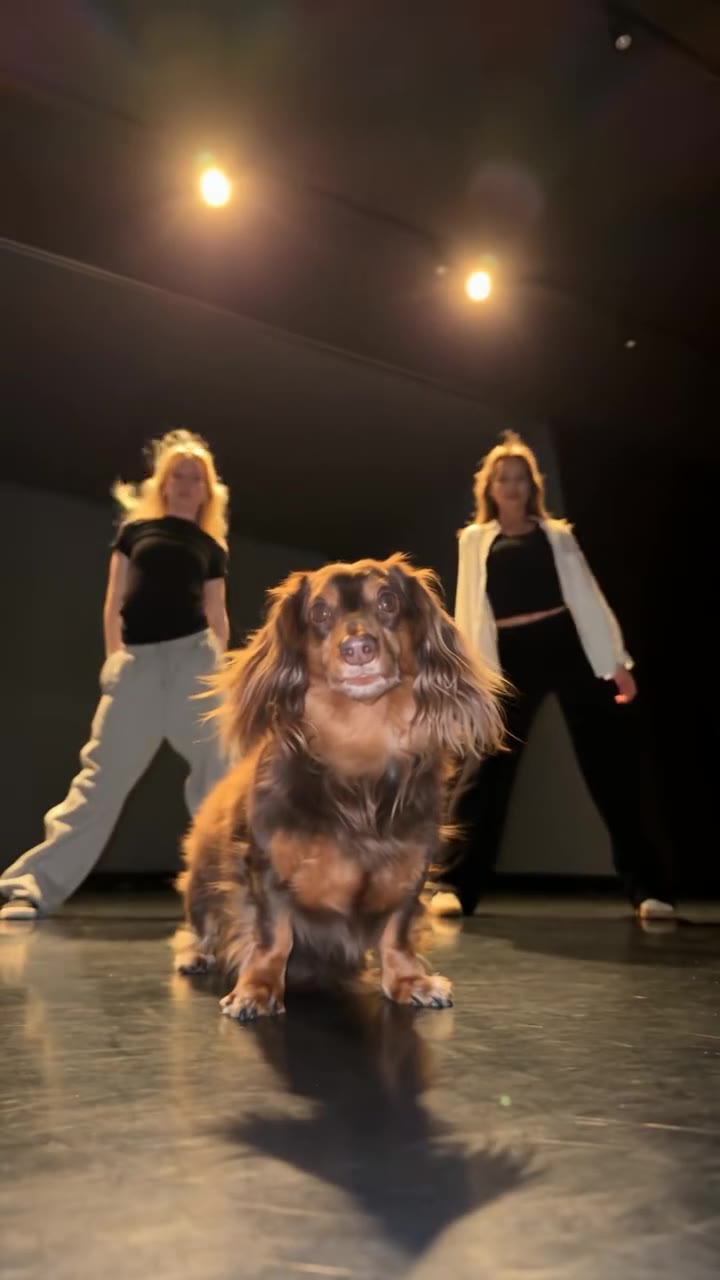 HotUse this template
Parking Lot Dance AI
1–3 photos · 10s · 9:16
🕺 Dance🏡 Family👯 Friends HotUse this template
Hop Hop Hop AI
1–2 photos · 8s · 9:16
👯 Friends HotUse this template
I Love the Smiths AI
1–2 photos · 10s · 9:16
💞 Couples👯 Friends HotUse this template
Pick It Up Dance AI
1–2 photos · 10s · 9:16
🕺 Dance👯 Friends HotUse this template
Then I Walk In AI
1–3 photos · 8s · 9:16
👯 Friends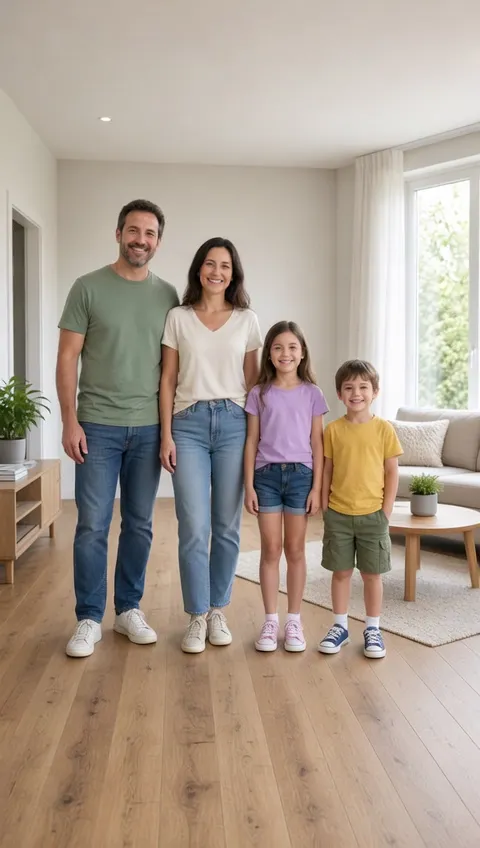 Use this template
Family Babydoll
1 group photo · 5s · 9:16
🏡 Family🕺 Dance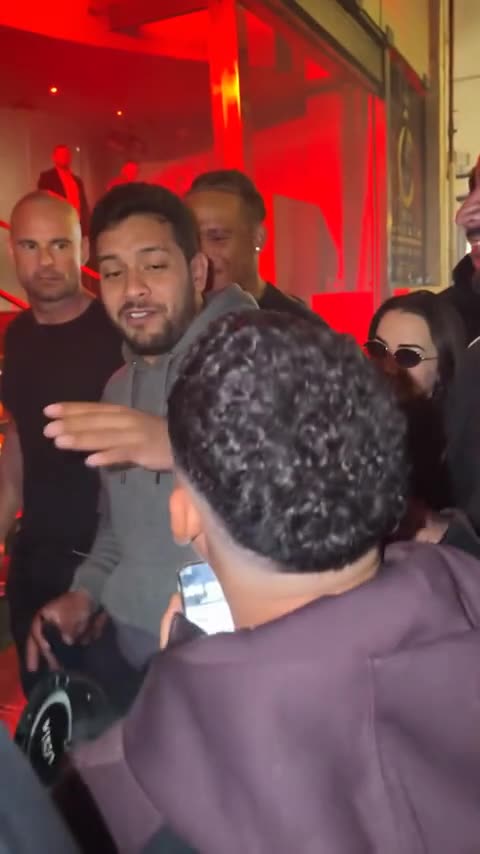 Use this template
Bulin 47 AI
1 photo · 10–15s · dembow beat
🎤 Music🕺 Dance🐾 Pets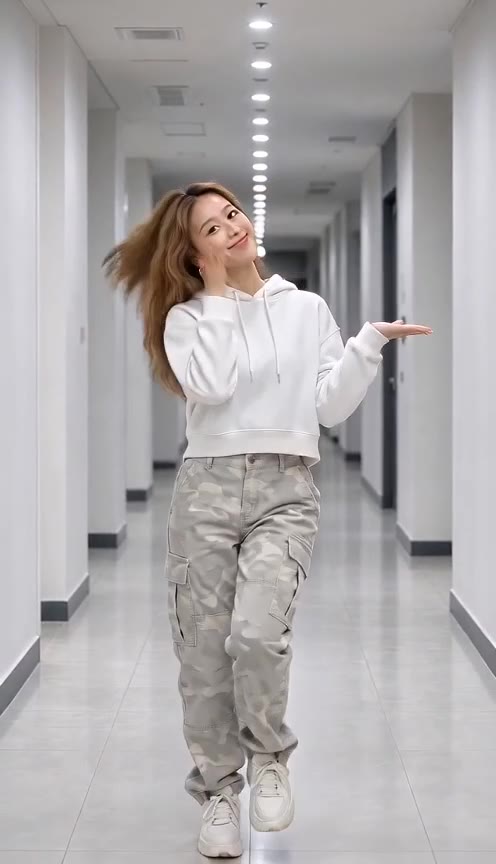 Use this template
JISOO Addicted Dance
1–2 photos · 10s · 9:16
🕺 Dance🎤 Music👯 Friends
Put the whole family in matching pajamas
One photo, one look, an 8-second vertical clip with your faces in it.