
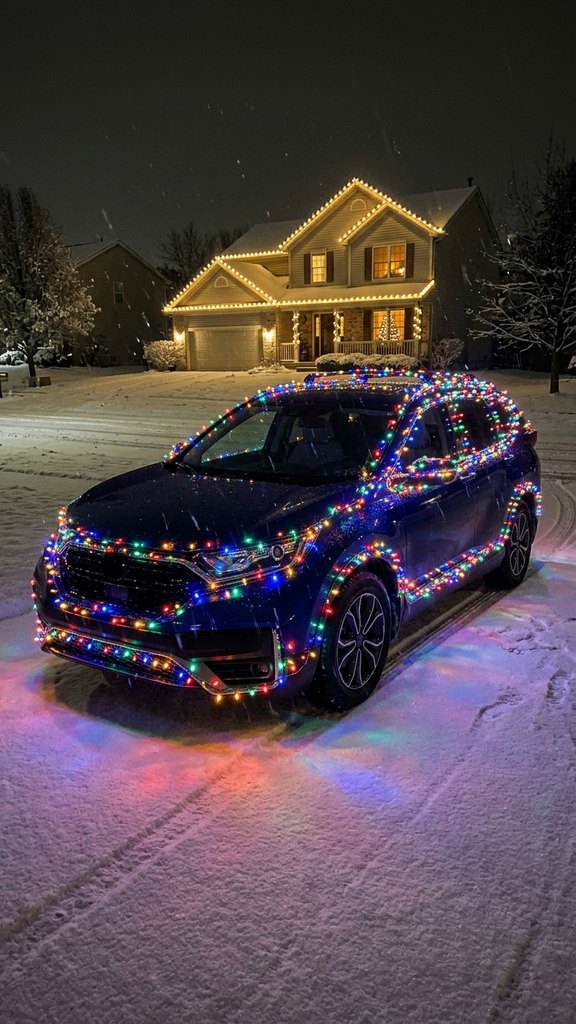
 Made with Oraclip
Christmas Lights Car AI
Upload one photo of your car and watch it light up for Christmas: every line traced in bulbs on a snowy night, reindeer antlers with a red nose, or a slow cruise down a street of lit houses. Same car, same paint, 8 seconds, vertical.
Light up your car for Christmas
One clear photo of one car, the whole car in frame. Pick a look and generate. The lights, the snow and the camera move are already in the prompt. There is no free preview: every render uses credits.
1 · Upload one car photo
2 · Pick a light show
3 · Pick a quality and generate
Only upload a photo of a car you own or may use. People in it must be adults who agreed. Badges, logos and plates are left out of the clip. The lights and music are our own. No free preview: every render uses credits. Failed renders are refunded automatically. See plans
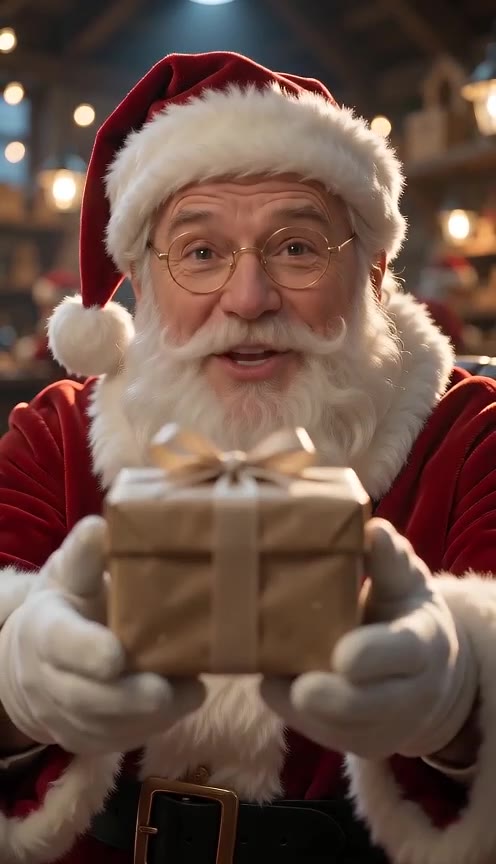

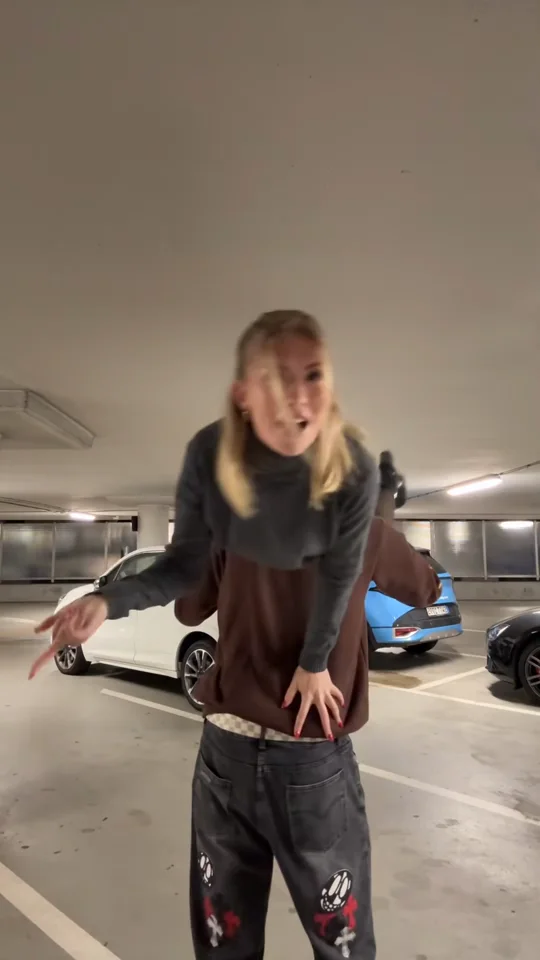
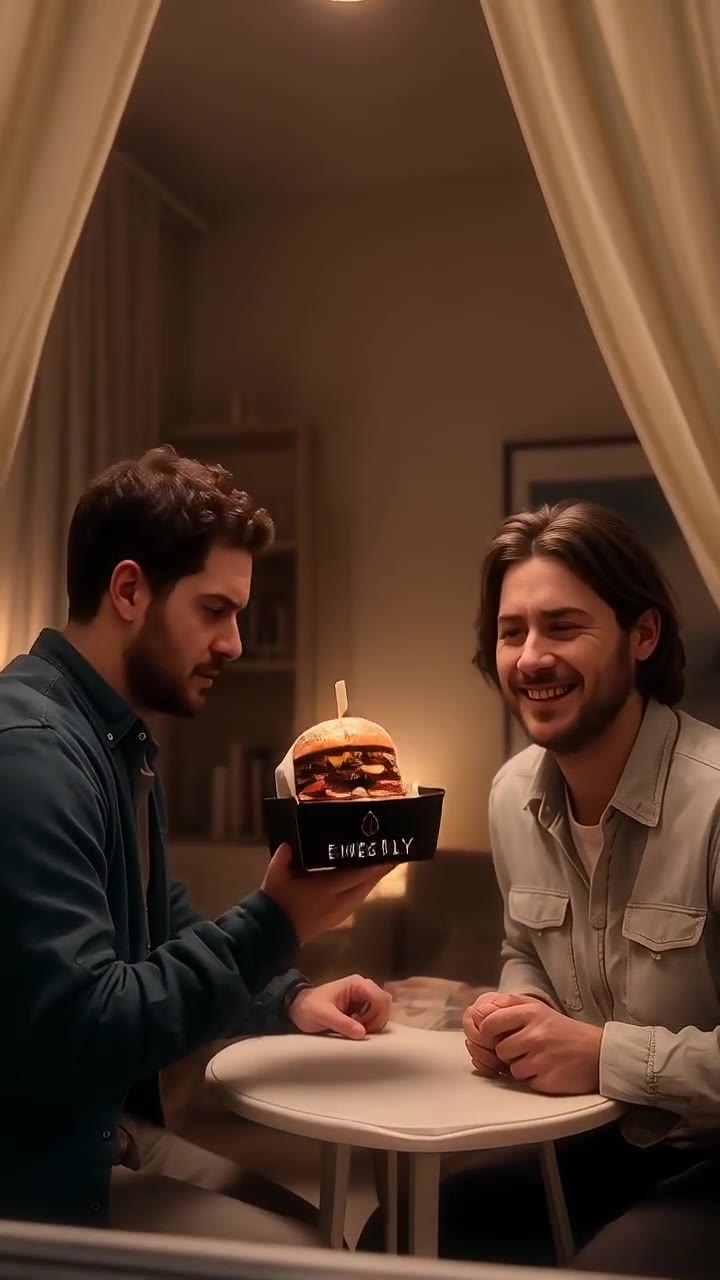
Christmas lights car examples
One sample clip per look: snowy driveway, reindeer car and the Christmas cruise. Each look renders as an 8-second vertical clip from one car photo (Seedance 2.0 Mini, 480p by default).
- Made with Oraclip
Snowy driveway
via Seedance 2.0 Mini · 480p · 8 s
- Made with Oraclip
Reindeer car
via Seedance 2.0 Mini · 480p · 8 s
- Made with Oraclip
Christmas cruise
via Seedance 2.0 Mini · 480p · 8 s
- Made with Oraclip
Cabin in the snow
via Seedance 2.0 Mini · 480p · 8 s
Tap a clip to play it with sound. These sample clips show AI-generated cars with no real badges or plates. Your video is generated from your own car photo. contact@oraclip.com
What is the Christmas lights car AI trend?
Real car people spend a weekend and a few hundred dollars wrapping a car in Christmas lights. The AI version went around TikTok and Instagram in November: one photo of your own car, and it comes back parked in the snow with every line of the body glowing in bulbs.
This page makes that clip. You upload one photo of your car and pick a look. The model keeps the shape, the paint and the wheels from your photo, then the lights come on, bulb by bulb, while the camera glides past.
You do not write a prompt and you do not buy a single string of lights. You can type one optional detail, such as warm white bulbs only or a wreath on the front.
The clip, second by second
0–2 s: your car sits in the snow, lights off.
2–5 s: the bulbs light up from the grille over the hood, roof and doors.
5–8 s: a slow glide along the glowing car, or the headlights wink twice.
Why it still looks like your car
The photo is a reference for the car, not a frame we paste in. Body shape, paint colour, wheels and windows are read from it. Badges and plates are left off so the clip stays clean to post.
Three Christmas lights car looks
Pick a look in the generator, or tap one here to load it.
Snowy driveway
Parked on fresh snow in front of a lit house. Multicolour bulbs trace the roof, windows, doors and hood while snow settles on the glowing roof.
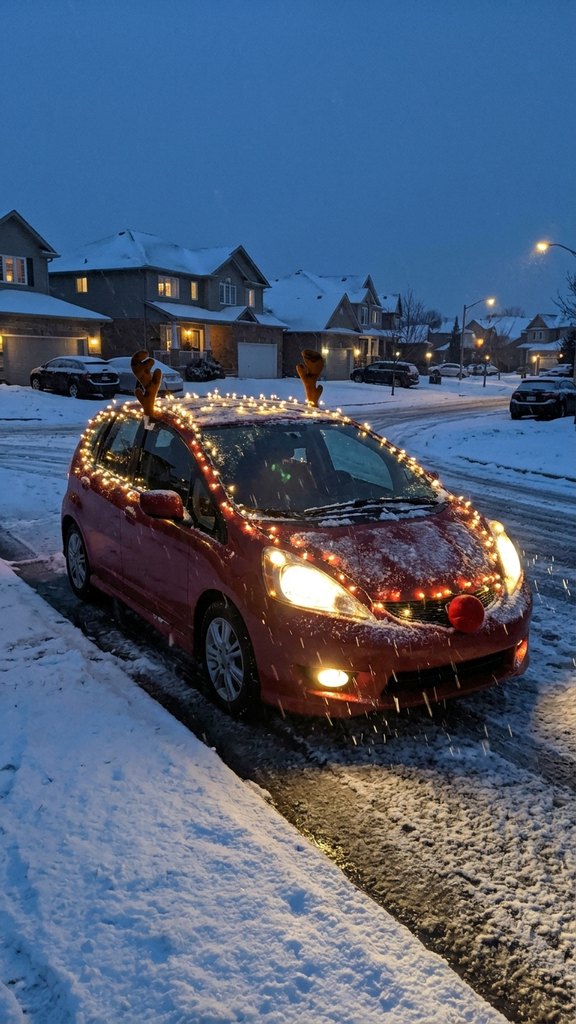
Reindeer car
Warm white fairy lights, plush antlers out of the front windows and a big red nose on the grille. The headlights flash twice like a wink.
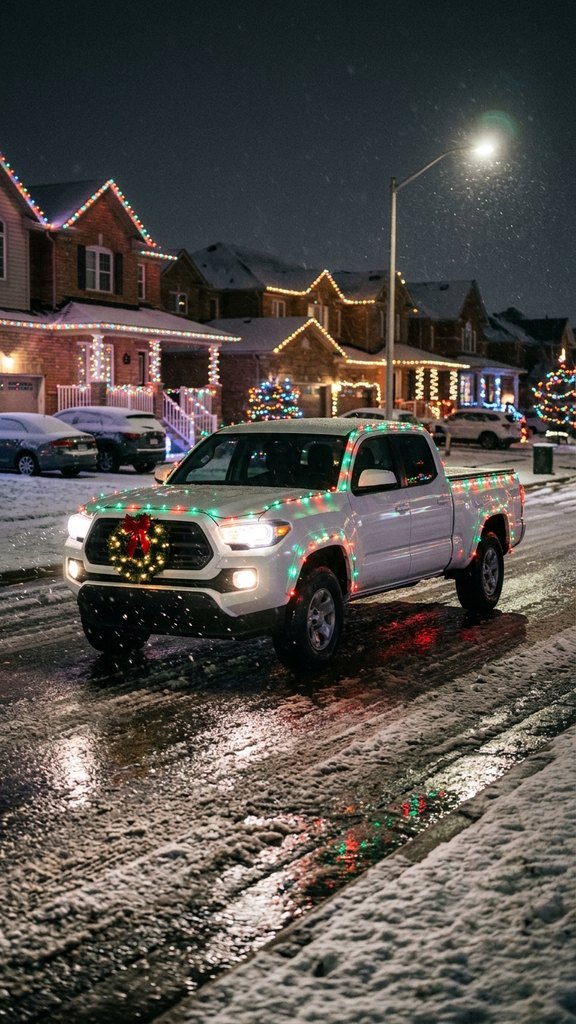
Christmas cruise
Red and green light strings and a lit wreath, rolling slowly down a street of decorated houses, with a low tracking camera beside the car.
How to make the Christmas lights car AI video
The tool sits under the heading above. Three steps, then the clip is in your Library.
- 1
Upload one photo of your car
Daylight, the whole car in frame, from the front or a front three-quarter angle. No other car blocking it.
- 2
Pick snowy driveway, reindeer or cruise
Each look has its own street, lights and 8-second camera move. Optional: one short detail, such as “warm white only”.
- 3
Generate the 8-second clip
480p is the default and the cheaper one. 720p is sharper. You get a vertical MP4 with festive music. Post it and say it was made with AI.
Car photos that work
The model only knows your car from the pixels you upload. A clear, whole-car photo is the difference between your car and a car that looks a bit like it.
- One car, the whole body and all wheels in frame
- Front or front three-quarter view
- Daylight or a bright garage, no harsh shadows
- People are optional (adults only)
Weaker
- A close-up of a wheel, a light or the badge
- Night photos or heavy reflections
- Two or more cars in the shot
- Heavy filters or a car half behind a wall
Limits of the Christmas lights car AI
What the page will and will not do, so you do not burn a render on the wrong job.
| You might want | What this page does |
|---|---|
| Your exact plate or badge | Left out. The clip keeps the car, not its brand marks. |
| Advice on real car lights | None. It is a video, not a guide to what is legal on the road. |
| Santa in the clip | Use AI Santa Video for a message from Santa that says a name. |
| Your pet in a Christmas look | Use Grinch Pet AI, or Christmas Pajama AI with the pet in the photo. |
More Christmas videos on Oraclip
The lights car is for the car. If you want Santa to say a name, that is AI Santa Video. If you want the dog or the cat in green fur, that is Grinch Pet AI. If you want the whole family in matching pajamas, that page is here too.
Fine-tune your video
Same prompt, full controls: switch the model, length or aspect ratio, attach a reference video, then generate.
Christmas lights car AI FAQ
How do I make the Christmas lights car AI video?
Upload one photo of your car, pick Snowy driveway, Reindeer car or Christmas cruise, and press Generate. You get an 8-second vertical MP4. You do not write a prompt.
Will it look like my car?
The photo is the reference for the car. Body shape, paint colour, wheels and windows are read from it. A sharp daylight photo of the whole car keeps it closest. 720p is sharper than 480p. Every render is new, so watch yours before you post it.
Which car photo works best?
One car, the whole body in frame, from the front or a front three-quarter angle, in daylight. Avoid close-ups of a single part, night photos, heavy reflections and a second car in the shot.
Does it keep my badge and plate?
No. Badges, logos and readable plates are left out, so the clip is safe to post and does not show your registration.
How many credits does a Christmas lights car video cost?
An 8-second clip costs 390 credits with Seedance 2.0 Mini at 480p (the default) or 810 at 720p. The photo is a free input. Failed renders are refunded automatically. The price is shown before you generate.
Can I make a Christmas lights car video for free?
Signing up is free (no card) and new accounts get 100 credits, valid for 5 days (one grant per email). They cover images and a short test video: the cheapest clip is 20 credits, and Grok Imagine Video 1.5 makes up to 8 seconds at 480p for 100 credits. Chatting with the agent is free. Longer or higher-resolution videos need a plan or a one-time credit pack. The exact cost shows before every render, and failed renders are refunded.
Can I be in the clip with the car?
Yes, if you are an adult and you are in the photo next to the car. The car is the star, so keep the whole car in frame. Photos of children are refused.
Is this a CapCut template?
No. A CapCut template cuts clips you filmed. This page generates a new video of your car in the lit-up scene, from a single photo.
More Christmas videos
More AI trends like Christmas Lights Car AI
Same steps on every page: add your photos, pick a version, generate.
 Use this template
GPT Image 2.6 GIF
🐾 Pets Use this template
AI Doorbell Camera Video
Photo optional · 8–10s clip
🎃 Halloween🐾 Pets🏡 Family Use this template
Santa Caught on Camera
1 room photo · 8s · 9:16
🔥 Christmas🏡 Family
Light up your car for Christmas
One car photo, one look, an 8-second vertical clip of your own car glowing in the snow.