
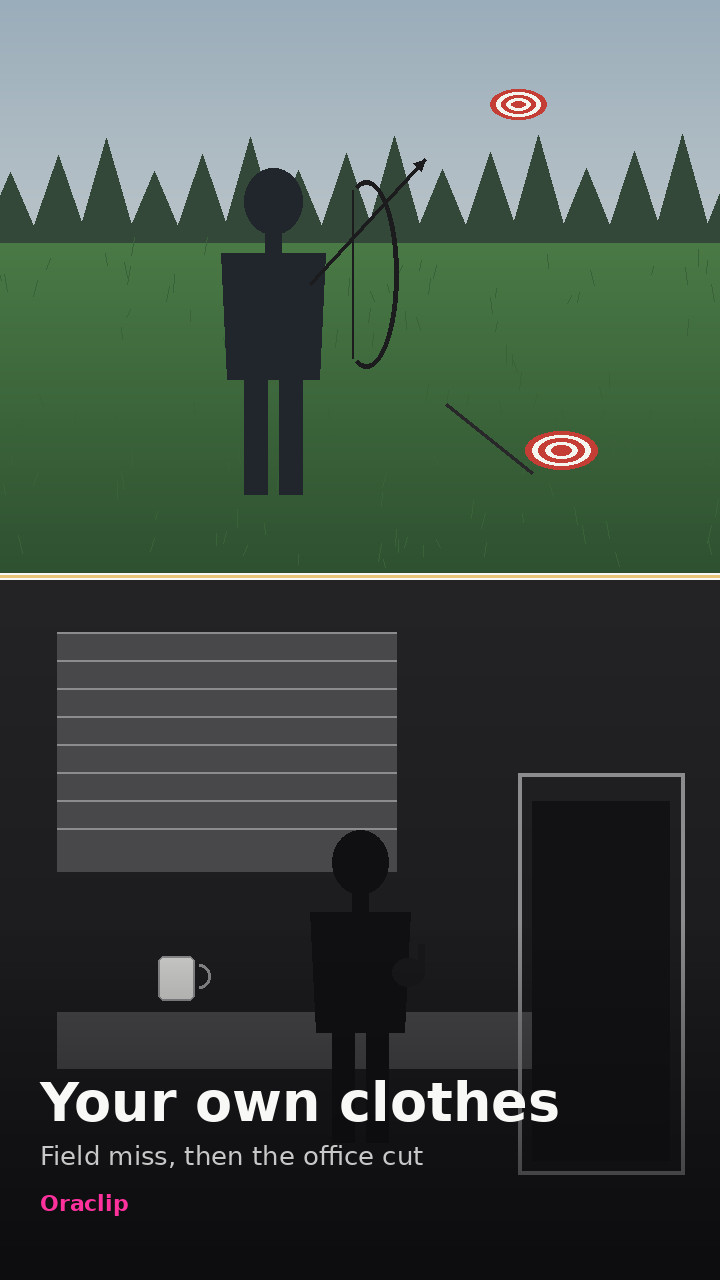
 Example
Bad Aim Edit AI
The Bad Aim Edit trend, starring you: in a grass field you draw a recurve bow, a flying target goes past, and the arrow misses badly. Then a hard cut: a black-and-white office strut in fight gloves, a sip from a mug, a shh, and a walk out the door. The joke is bad aim, then unshakable confidence. Upload one photo of yourself or your pet and get a 15-second vertical clip.
Make your Bad Aim Edit video
Upload one clear photo of yourself or your pet, pick a look, and generate. The field, the office and the 15-second timing are already set, so you do not write a prompt. There is no free preview: every render uses credits.
1 · Upload one photo
2 · Pick your own clothes, fighter look or pet
3 · Pick a quality and generate
Only upload photos of yourself, your own pet, or adults who agreed to be in it. No children, no celebrities or public figures. A licensed beat is put on the clip after it renders; the template’s sound and creators’ videos are not used. Our own take on the Bad Aim Edit trend, made with AI from your photo. Not affiliated with Glorify, @glorify_studio, MakeViral, CapCut or TikTok. The template’s original sound is not used. No free preview: every render uses credits. Failed renders are refunded automatically. See plans
What the Bad Aim Edit looks like
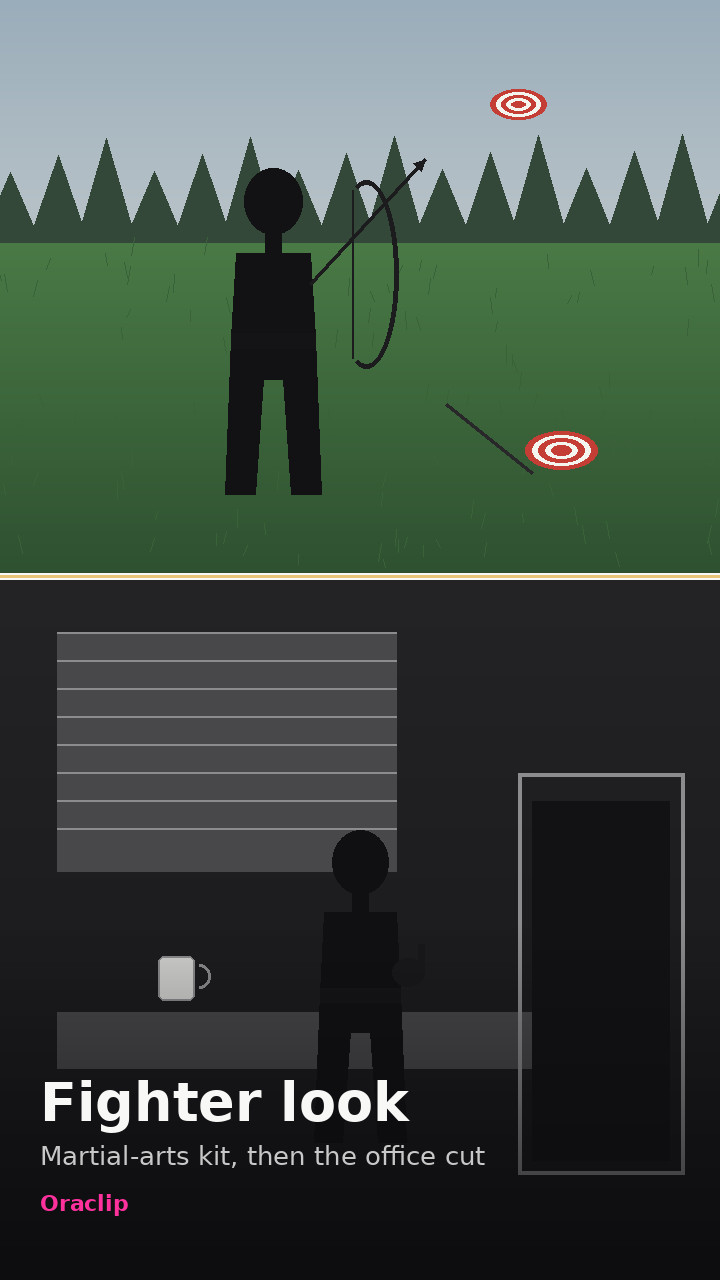
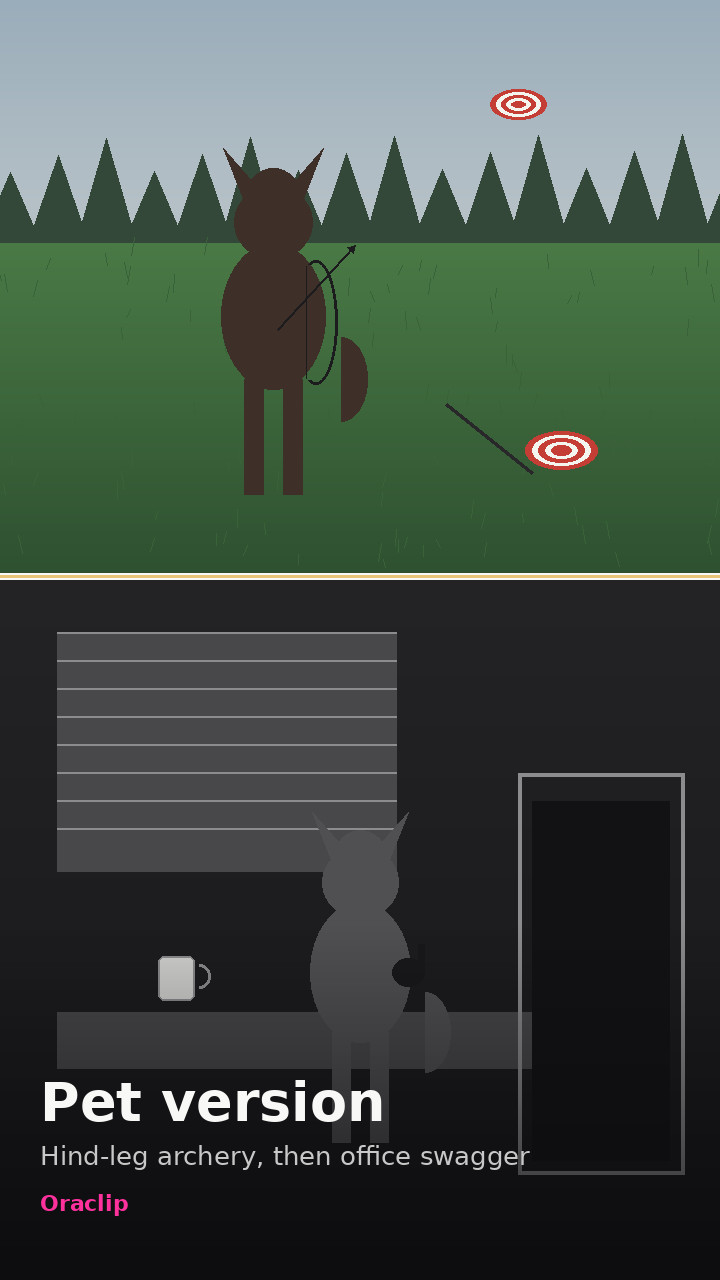
Original Oraclip scene stills of the two-part joke: the miss in the grass field, then the black-and-white office. They illustrate the timing; your video is generated from your photo.
- Example
Your own clothes: miss in the field, then the office
via Oraclip
 Example
Fighter look: martial-arts kit, then the office cut
via Oraclip
 Example
Pet version: hind-leg archery, then office swagger
via Oraclip
These are stills that show the two-part joke, not generated videos. These are original Oraclip scene stills, not someone else’s video. Your clip is generated from your own photo. contact@oraclip.com
What is the Bad Aim Edit trend?
The Bad Aim Edit is an AI video trend from November 2026. A character tries archery in a grass field, misses a flying target completely, and the target drops onto the grass. Then the clip hard-cuts to a slick black-and-white office montage, cut on the beat: fight gloves, a grin, a sip from a mug, a shh, and a walk out the door.
It started as a template in the Glorify app. On 11 November 2026 the app’s account @glorify_studio posted the first public take; a striped-sweater version the same day and a red-blazer version the next day carried most of the views. The joke is the turn: terrible aim, then pure confidence. People drop any look into the same two-part clip.
The older TikTok tag #badaim is mostly about bad aim in shooter games, not this archery template. When people say the Bad Aim Edit in November 2026, they mean this field-then-office clip.
This page makes a new 15-second vertical video from your own photo, or your pet’s, with our own sound.
Our own take on the Bad Aim Edit trend, made with AI from your photo. Not affiliated with Glorify, @glorify_studio, MakeViral, CapCut or TikTok. The template’s original sound is not used.
The clip, second by second
0–5 s: in a green field under a grey sky you aim a recurve bow at a flying target, miss badly, and watch it drop onto the grass.
5–6 s: a hard cut to a training room with punching bags; from here the picture is black and white.
6–15 s: an office montage on the beat — a walk, a grin, a sip from a mug, a gloved shh, a drink from a bottle, and a walk out the door.
Bad Aim Edit, archery fail or office edit?
Same trend. People also call it the bad aim office edit or the archery fail AI video. The first five seconds are the miss; the rest is the confident office strut. The contrast is the joke, which is why this page keeps the full 15-second length.
Three Bad Aim Edit versions
Pick a version in the generator, or tap one here to load it. The 15-second timing is the same in all three.
Your own clothes
One photo of you. You keep your face, hair, build and outfit, and pick up black fight gloves in the office. The version most people post, because the joke works in a sweater as well as a suit.
Fighter look
One photo of you, dressed like the first public take: white loose martial-arts trousers, a black belt and fight gloves. Men are shirtless; women wear a plain black sports top.
Your pet does the Bad Aim Edit
One photo of your dog or cat. It stands on its hind legs, misses the flying target, then owns the black-and-white office in tiny fight gloves. Serious-looking pets are the funniest.
How to make the Bad Aim Edit AI video
The tool sits under the heading above. Three steps, then the clip is in your Library.
- 1
Upload one photo
One person or one pet, in good light, face or head clear. A photo from the knees up works best, because the field shot is wide and the office shots come in close.
- 2
Pick a version
Your own clothes, fighter look, or your pet. The 15-second scene is fixed, so there is nothing to type. Optional: one short detail, such as “a striped sweater”.
- 3
Generate the 15-second clip
480p is the default and the cheaper one; 720p is sharper. You get a vertical MP4 with a licensed beat under the cuts. Say it was made with AI when you post.
Photos that work best
The first shot is wide, so every face is small there. The office close-ups show you best. The model still needs a clear face and enough of your body to dress you in both scenes.
- One person or one pet per photo, knees up or full body
- Face or head clearly visible, looking at the camera
- Daylight or a bright room, no heavy beauty filter
- For a pet: head and body in view, eyes open
Weaker or blocked
- Photos of children or anyone under 18 (never allowed)
- Photos of celebrities or public figures
- Group photos or two pets in one photo
- Blurry, dark, or photos that hide the face with sunglasses or a hat
Limits of this Bad Aim Edit AI
What the page will and will not do, so you do not spend a render on the wrong job.
| You might want | What this page does |
|---|---|
| The Glorify or CapCut template itself | A new AI video of the same idea, made from your photo. Those templates and the creators’ clips are not used. |
| The template’s original sound | Not included: it belongs to its owners. Your clip is scored with a licensed beat so the office cuts still land on a rhythm. |
| To look like a famous person | Not on this page: the subject keeps the face from your photo, never a celebrity. |
| A photo of your kids | Not on this page: adults and pets only. |
Fine-tune your video
Same prompt, full controls: switch the model, length or aspect ratio, attach a reference video, then generate.
Bad Aim Edit AI FAQ
What is the Bad Aim Edit trend?
An AI video trend from November 2026: a character misses a flying target with a bow in a grass field, then the clip hard-cuts to a black-and-white office montage full of confidence — a mug, a grin, a shh and a walk out the door. It started as a Glorify app template, first posted by @glorify_studio on 11 November 2026.
How do I make a Bad Aim Edit video of myself?
Upload one photo of yourself, pick Your own clothes or Fighter look, and press Generate. You get a 15-second vertical MP4: you miss the shot in the field, then own the office. You do not write a prompt.
Can my dog or cat do the Bad Aim Edit?
Yes. Pick Your pet and upload one photo of your dog or cat: it stands on its hind legs, tries the bow, misses the target, then struts through the black-and-white office in tiny fight gloves. Any breed works if the head and body are in view.
Do I have to wear the fighter outfit?
No. Your own clothes keeps the outfit from your photo and only brings in black fight gloves for the office shots, like most posts of the trend. Fighter look gives you the white trousers, the black belt and the gloves of the first public take.
How many credits does a Bad Aim Edit video cost?
A 15-second clip costs 720 credits with Seedance 2.0 Mini at 480p (the default) or 1,520 at 720p. The photo is a free input. Failed renders are refunded automatically. The price is shown before you generate.
Can I make a Bad Aim Edit video for free?
Signing up is free (no card) and new accounts get 100 credits, valid for 5 days (one grant per email). They cover images and a short test video: the cheapest clip is 20 credits, and Grok Imagine Video 1.5 makes up to 8 seconds at 480p for 100 credits. Chatting with the agent is free. Longer or higher-resolution videos need a plan or a one-time credit pack. The exact cost shows before every render, and failed renders are refunded.
Does it use the original Bad Aim Edit sound?
No. The template’s sound belongs to its owners, so your clip is scored with a licensed beat after it renders, and the office cuts still land on a rhythm. You can mute or replace the sound when you post.
Is this the Glorify template or a CapCut template?
No. Those templates put a character into the same clip. This page generates a new video from your photo, with our own sound. Our own take on the Bad Aim Edit trend, made with AI from your photo. Not affiliated with Glorify, @glorify_studio, MakeViral, CapCut or TikTok. The template’s original sound is not used.
More funny photo-to-video trends
More AI trends like Bad Aim Edit AI
Same steps on every page: add your photos, pick a version, generate.
- Use this template
AI 80s Photo
1 photo · Still image
📸 Photo - Use this template
AI Job Caricature
1 photo · Still image
📸 Photo
Miss the shot, keep the aura
One photo, one 15-second vertical clip: a terrible aim in the field, then a black-and-white office you walk out of like you own it.