
Hug Your Younger Self AI
Create a Hug Your Younger Self AI photo from a current portrait and a childhood picture. Choose an instant-film style and image ratio before generating.
Create your AI hug photo
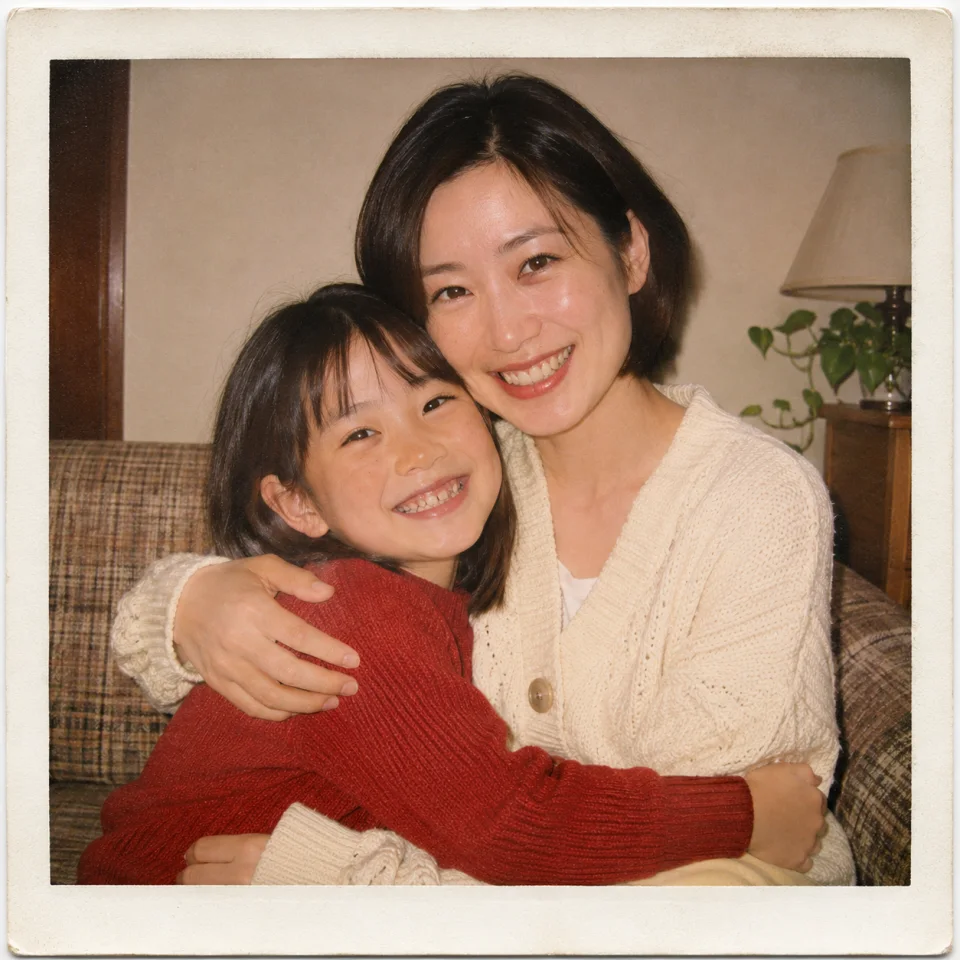
Example output
AI-generated example with fictional subjects. Your result will depend on your two reference photos.
How to make a Hug Your Younger Self AI photo
1. Choose your current portrait
Use a recent photo with your face clearly visible. A chest-up portrait with your shoulders in the frame gives the model room to place the hug. If the photo includes other people, crop it to yourself before uploading.
2. Choose your childhood photo
Pick one childhood picture with a clear view of your face. A scan or a straight-on phone photo of a print works as a reference. Crop out the album page and try to avoid glare across the eyes.
3. Pick a photo style and ratio
Choose classic instant film, soft window light or black and white. Start with a square crop, or choose a portrait or landscape frame. Then select Generate.
How to get a better childhood-self hug photo
Keep both faces in view
The preset uses a side hug to leave room for both faces. Choose portraits with an unobstructed view of the eyes and mouth. A photo taken straight on or at a slight angle works well.
Pick a style that fits the references
Classic instant film uses warm flash and a pale border. Soft window light gives the scene gentler shadows. Black and white can help the two references feel like they belong together when one is an old monochrome print.
Check the result against both references
The model synthesizes a new image and can change facial features, ages or hands. Compare both faces with your originals. If the ages look too similar, try a clearer childhood photo.
Hug Your Younger Self AI FAQ
Can I make the hug photo with just one picture?
This template requires two images. Put your current portrait in the Current photo slot and your childhood picture in the Childhood photo slot.
Can I use a faded or black-and-white childhood photo?
Yes, if the face is still readable. Use the clearest crop you have. The generated image may infer colors and details that are missing from the source.
Does this template create a photo or a video?
It creates a still image with GPT Image 2.6 Economy. The aspect-ratio control changes the framing of the image.