
From X · Motion Transfer
Replace the Middle Character Skit
Prompt
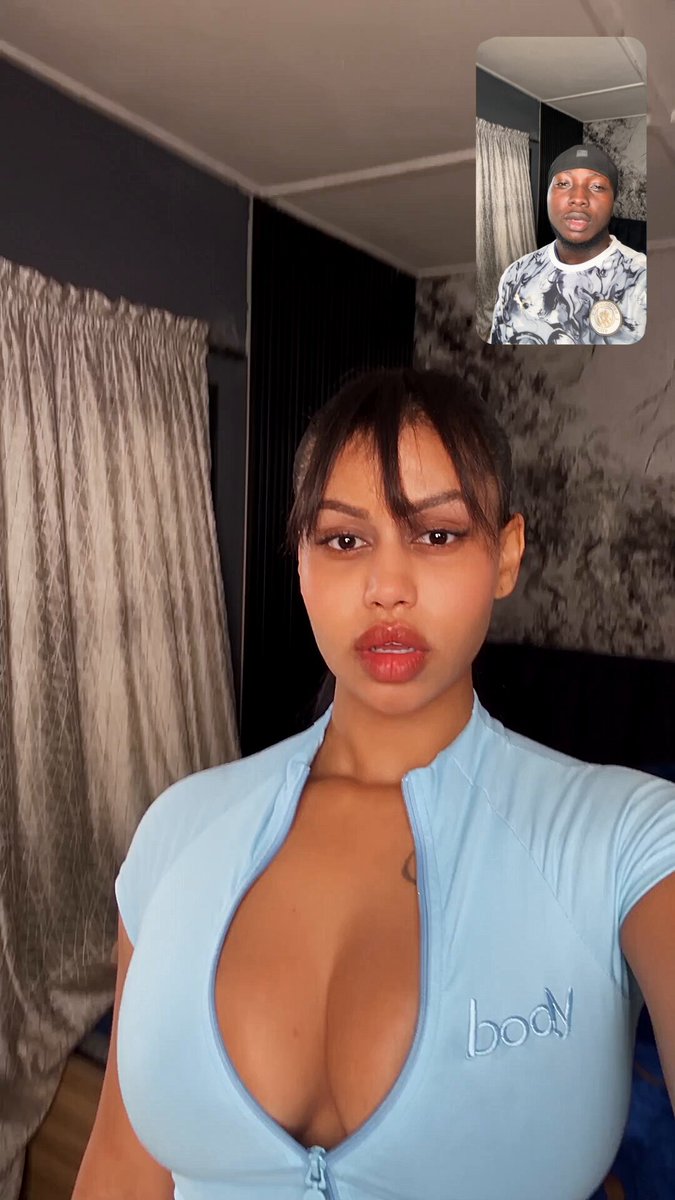
Written by @MeenakshiYACSThis is a funny skit video going viral. Replace the middle character in Video 1 with the man in Image 1. Keep everything else the same, including the background, camera angles, movements, expressions, timing, and actions. Ensure the replacement looks natural and blends seamlessly into the original video.
- Model
- Kling
- Duration
- 15s
Original post
What if you could become the star of a viral comedy video using just ONE photo? 😂 Here's a fun AI video editing trick you need to try! Using Kling 4.0 on @WizstarAI , you can replace a character in an existing video with someone from your own photo while keeping the rest of the scene unchanged. Create this hilarious AI video using Kling 4.0 on WizstarAI, super AI avatar studio 👇 https://t.co/4AqzVtkMdV PROMPT: This is a funny skit video going viral. Replace the middle character in Video 1 with the man in Image 1. Keep everything else the same, including the background, camera angles, movements, expressions, timing, and actions. Ensure the replacement looks natural and blends seamlessly into the original video. How to create it: 1. Open WizstarAI. 2. Select Kling 4.0. 3. Upload your reference video. 4. Upload the image of the person you want to insert. 5. Paste the prompt and generate! The result? A hilarious personalized skit that looks like the person was part of the original video. Your turn! Who would you put in the middle? #WizstarAI #KlingAI #AIVideo #WizstarPartner #AI
Make a clip like this on Oraclip
More prompts: Kling
See all →

Prompts are collected from public X posts for inspiration. Rights remain with the original authors. Always credit the creator and link back to the source when you remix.