 New
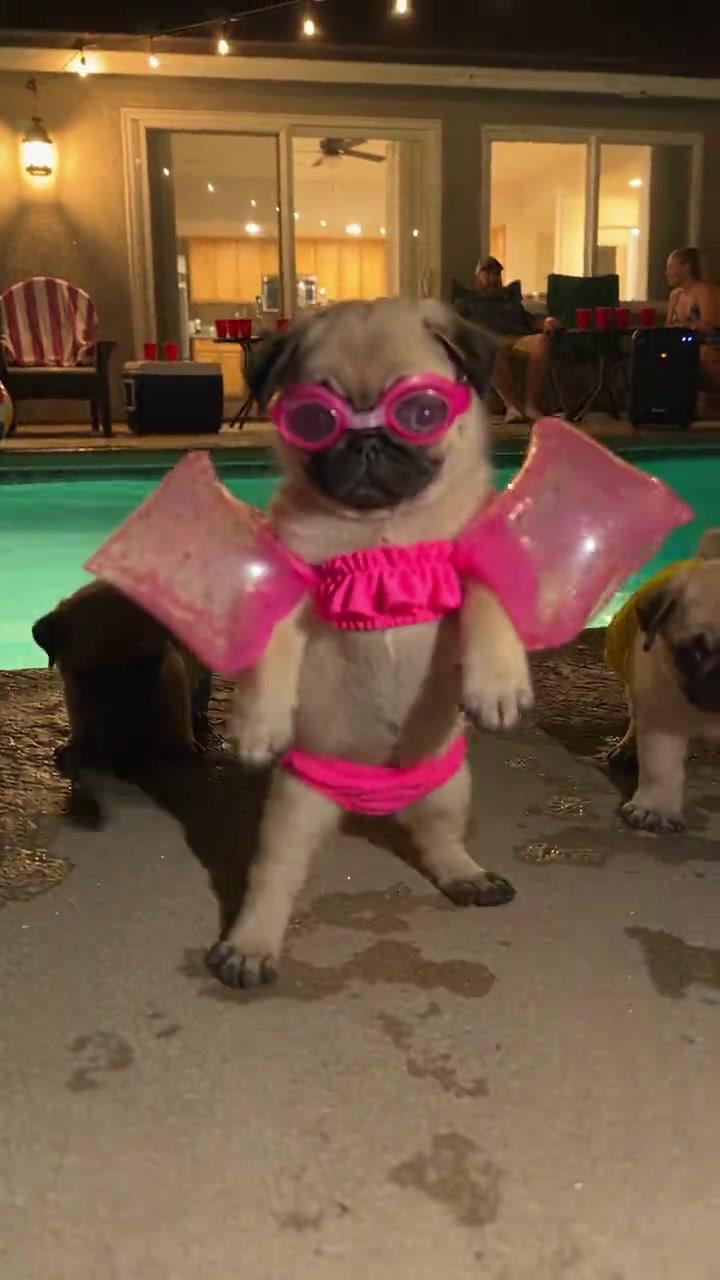
Dog Pool Party AI
1 · 13 s · 9:16
🐾 Pets🕺 Dance
 Competitor demo
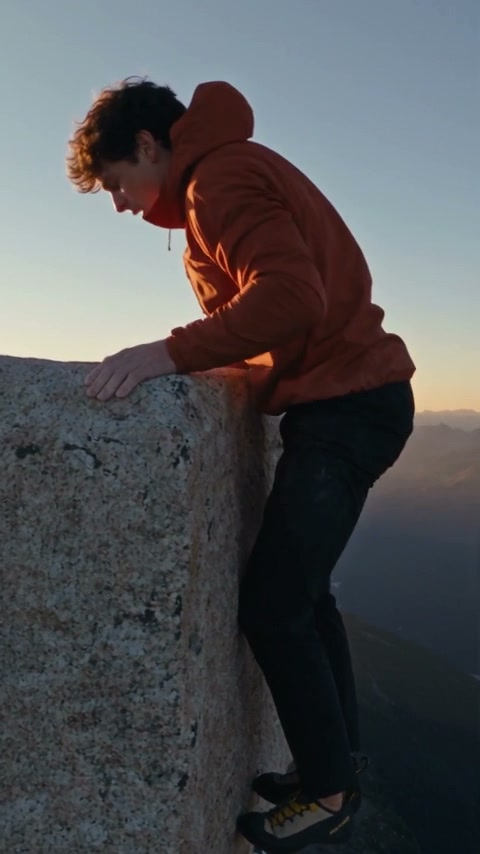
EasyVideoAI official scene demonstration, 8.000 s, 480×854 (ffprobe). An adult in an orange hoodie climbs at sunrise; the camera pulls back to carved 2027. The year 2026 does not appear in this clip. A credited competitor demo, not an OraClip render. License and music rights unverified.
The clip in the player is an official demonstration from EasyVideoAI (https://easyvideoai.com/ai-effects/goodbye-2026-welcome-2027). It is a credited competitor demo, not an OraClip render and not a promise of your output. We do not claim authorization or a commercial license. Public access is not permission. Music rights are unverified. Removed on request via contact@oraclip.com. Label every result you make as AI.
Some official demos include audio OraClip has not licensed. They play here as display clips only. Generation does not use those files or their soundtracks.
Demo source EasyVideoAI
Goodbye 2026, Welcome 2027 is a year-transition photo-to-video: one photo of an adult who agreed to appear becomes an 8-second 9:16 sunrise climb onto giant carved 2027 numerals. It is not a generic fireworks or countdown New Year clip, not GTA 5 Goodbye, and not Remember November 2026. The generator is wired and render-unverified — including whether the numerals stay legible. The clip on the right is one official EasyVideoAI demonstration of that 2027 summit reveal; 2026 does not appear in the footage. It is clearly labeled, not OraClip output.
Start with one clear photo of an adult who agreed to appear — face and shoulders visible, front or a slight three-quarter view. The page is wired for an 8-second 9:16 sunrise granite climb with Seedance 2.0 Mini from that photo only. No competitor demo is sent as a motion input. The setup is render-unverified: we do not promise legible 2027 numerals, exact camera timing, or a match to the demos. There is no free preview. Every render uses credits. Label the result as AI when you post.
Adults only, and only people who agreed to be in the video. Photos of children, celebrities or public figures are refused before anything is charged. There is no free preview. Failed renders are refunded automatically. The price is the 8-second image-only quote: no motion clip is billed. Competitor demo soundtracks are not licensed here and are not used for generation. See plans
The player currently shows one official EasyVideoAI demonstration: a sunrise climb that pulls back to carved 2027. It is a credited third-party demo, not OraClip output. Public access is not a license. Watermarks stay visible. It is not a promise of your output, and it is not used as a motion input. Other official competitor clips we reviewed are not in this player.
EasyVideoAI official scene demonstration, 8.000 s, 480×854 (ffprobe). An adult in an orange hoodie climbs at sunrise; the camera pulls back to carved 2027. The year 2026 does not appear in this clip. A credited competitor demo, not an OraClip render. License and music rights unverified.
Demo source EasyVideoAI
Some official demos include audio OraClip has not licensed. They play here as display clips only. Generation does not use those files or their soundtracks. The clip in the player is an official demonstration from EasyVideoAI (https://easyvideoai.com/ai-effects/goodbye-2026-welcome-2027). It is a credited competitor demo, not an OraClip render and not a promise of your output. We do not claim authorization or a commercial license. Public access is not permission. Music rights are unverified. Removed on request via contact@oraclip.com. Label every result you make as AI. contact@oraclip.com
This is a specific year-transition format, not a generic New Year fireworks or ball-drop clip. This page is wired for an 8-second 9:16 sunrise climb onto carved 2027 numerals, with a camera pullback at the end. The demonstration in the player is that 2027 summit reveal; it does not show 2026 being replaced by 2027 on screen. A different official Media.io clip shows a rainy-night highway farewell under 2026 and 2027 signs: two adults part ways, then the person on the 2027 side gets into a black car. That is not a hug, and this page does not wire or offer that scene as a generatable mode.
Demand evidence here is modest and qualitative only: on 21 November 2026, free Google Autocomplete for “goodbye 2026 welcome 2027” also offered “goodbye 2026 welcome 2027 minecraft” and “goodbye 2026 welcome 2027 youtube”. Queries such as “welcome 2027 ai” and “goodbye 2026 welcome 2027 ai” returned no suggestions. That is not a search-volume or difficulty number. Two public competitor pages exist: https://easyvideoai.com/ai-effects/goodbye-2026-welcome-2027 and https://www.media.io/ai/explore/zone/goodbye-2026-welcome-2027-ai-video-generator (plus https://www.media.io/ai/explore/zone/welcome-2027-ai-video). We did not use paid keyword tools.
This page is also not GTA 5 Goodbye AI (a 15-second 1:1 sunset-pier farewell) and not Remember November 2026 (a singing polar bear meme). Links to those pages are below so the difference stays clear.
Upload one clear photo of an adult who agreed to appear. Face and shoulders should be visible. Do not upload children, celebrities, or anyone who did not agree.
The generator writes an 8-second 9:16 sunrise climb from that photo with Seedance 2.0 Mini. Default output is 8 seconds at 480p or 720p. The quote is 390 credits at 480p, or 810 credits at 720p, with no motion-clip input. The official EasyVideoAI demonstration in the player is 8.000 seconds at 480×854 (ffprobe). Other official competitor files we reviewed are not in this player and are not wired lengths.
The setup is render-unverified. Competitor FAQs already note that year numerals can distort in motion, and that duration and aspect need testing. We do not claim that 2026 or 2027 will be readable in your result. When you post, say that the video is AI.
The hero clip is an official EasyVideoAI demonstration, with a link back to the source page. We do not claim authorization or a commercial license. Public URLs are not permission to reuse a file. Any watermark already in the file is left in place. A removal request can be sent to contact@oraclip.com. Further public upload of other official clips is paused until rights are clarified.
Those demos are not OraClip renders and are not sent to the model as a motion clip. Do not present your result as a competitor’s output or as an official New Year film. Label every result as AI.
Fine-tune your video
Same prompt, full controls: switch the model, length or aspect ratio, attach a reference video, then generate.
No. This page follows a year-transition climb: one photo as the climber on carved 2027 numerals at sunrise. It is not a fireworks, ball-drop, or party-countdown generator.
No. GTA 5 Goodbye AI is a 15-second 1:1 sunset-pier farewell. Remember November 2026 is a singing polar bear meme. Those pages stay separate. This page is the sunrise climb that reveals carved 2027, not a typographic 2026-to-2027 swap in the demo.
One photo of a consenting adult, with the face and ideally the shoulders visible, from the front or a slight three-quarter view. Do not upload children, public figures, or anyone who did not agree.
The wired default is 8 seconds in 9:16, at 480p or 720p, matching the official EasyVideoAI demonstration in the player (8.000 s, 480×854, ffprobe). Other official competitor files we reviewed are not shown in this player and are not offered as wired lengths.
No, that is not guaranteed. The generator is wired and render-unverified. Competitor documentation already warns that digits can distort during motion. Treat a clean carved year as a goal in the prompt, not as a tested result.
The image-only 8-second quote is 390 credits at 480p and 810 credits at 720p. No motion clip is billed. There is no free preview. Failed renders are refunded automatically.
The player shows one official EasyVideoAI demonstration: an adult in an orange hoodie climbing at sunrise, then a pullback that reveals carved 2027. The year 2026 does not appear in this clip. It is not OraClip output. We did not verify a commercial license or music rights. A second EasyVideoAI file is the same picture with a different soundtrack, so it is not shown as a second scene. Other official Media.io clips — a rainy-night highway farewell, a beach typography clip, and a multi-stage numeral change — are not in this player and are not wired modes.
No. We do not have rights to send third-party demos to the model as a motion clip. Generation uses only your photo and the written sunrise-climb prompt. A rainy-night highway farewell (two adults parting ways under 2026 and 2027 signs, not a hug) appears in a Media.io official clip, but this page does not wire that scene as a generatable mode.
No. This page is for adults who agreed to appear. Do not upload photos of anyone under 18, or of public figures.
Same steps on every page: add your photos, pick a version, generate.
 HotUse this template
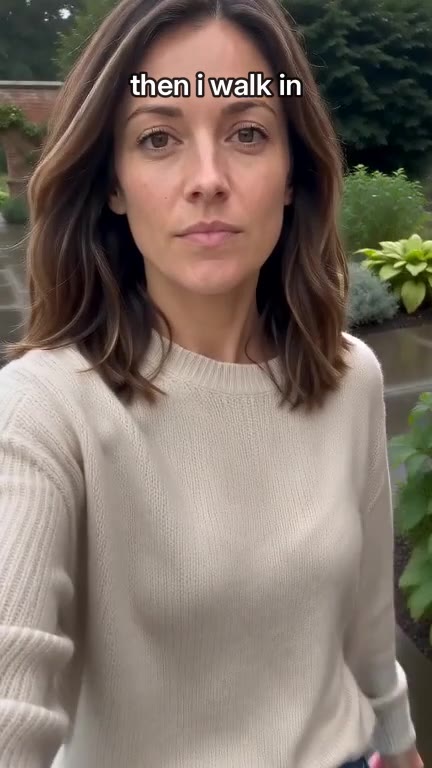
Then I Walk In AI
1–3 photos · 8s · 9:16
 Use this template
Car Jump AI
1 photo · 10s · 9:16
 HotUse this template
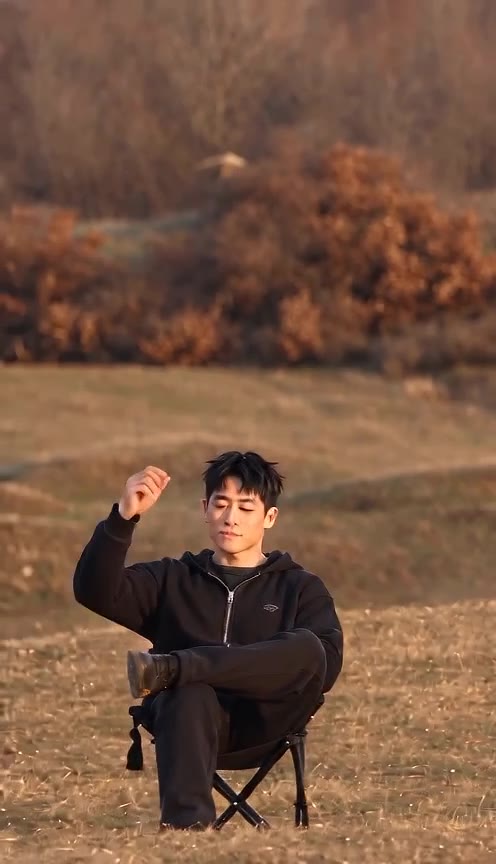
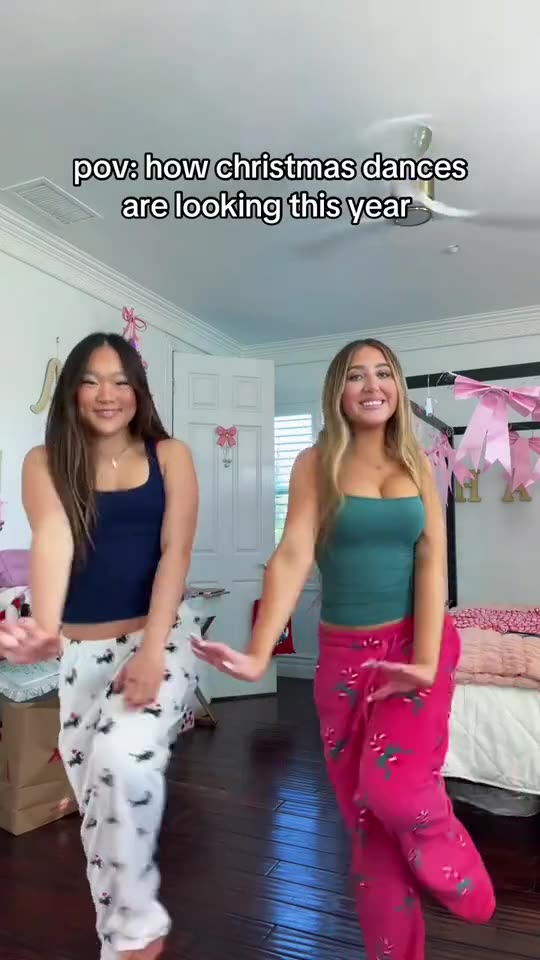
Christmas Dance AI
1–2 photos · 10s · 9:16
 Use this template
AI Christmas Video Generator
 HotUse this template
Sheru Bhai AI Video
1 photo · 10s · 9:16
 HotUse this template
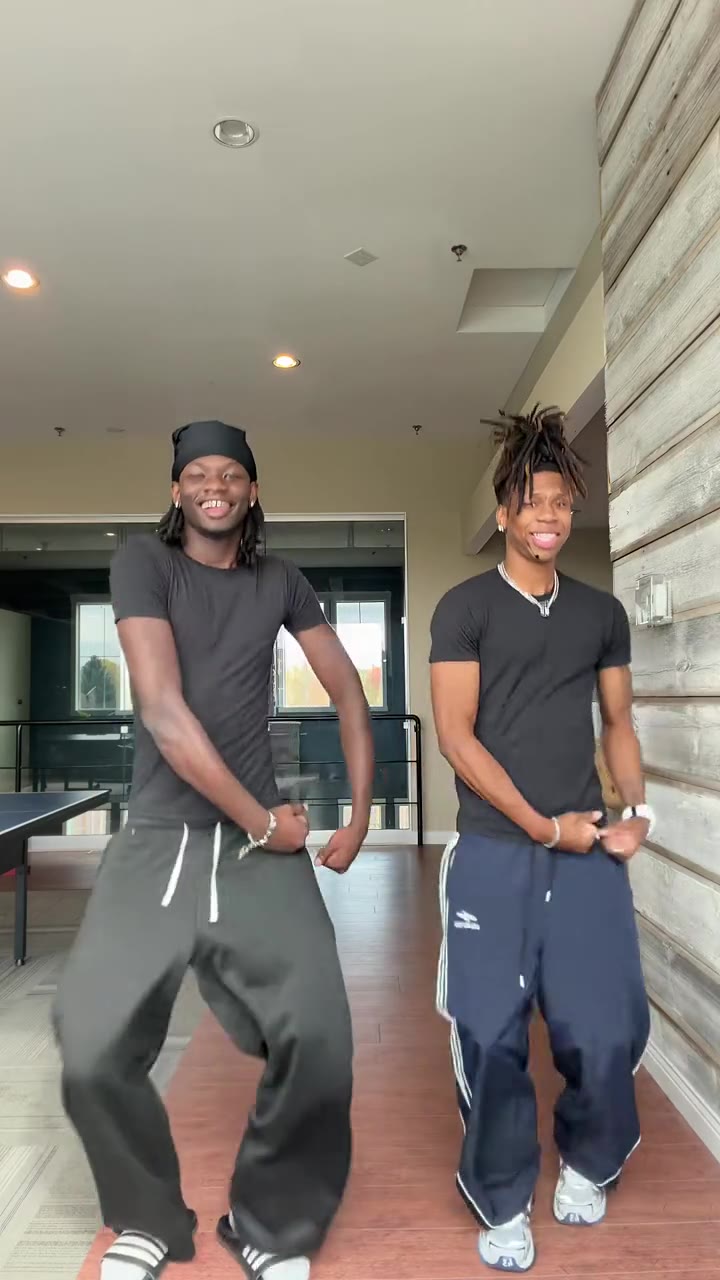
Can I Ride Dance AI
1–2 photos · 10s · 9:16
 Use this template
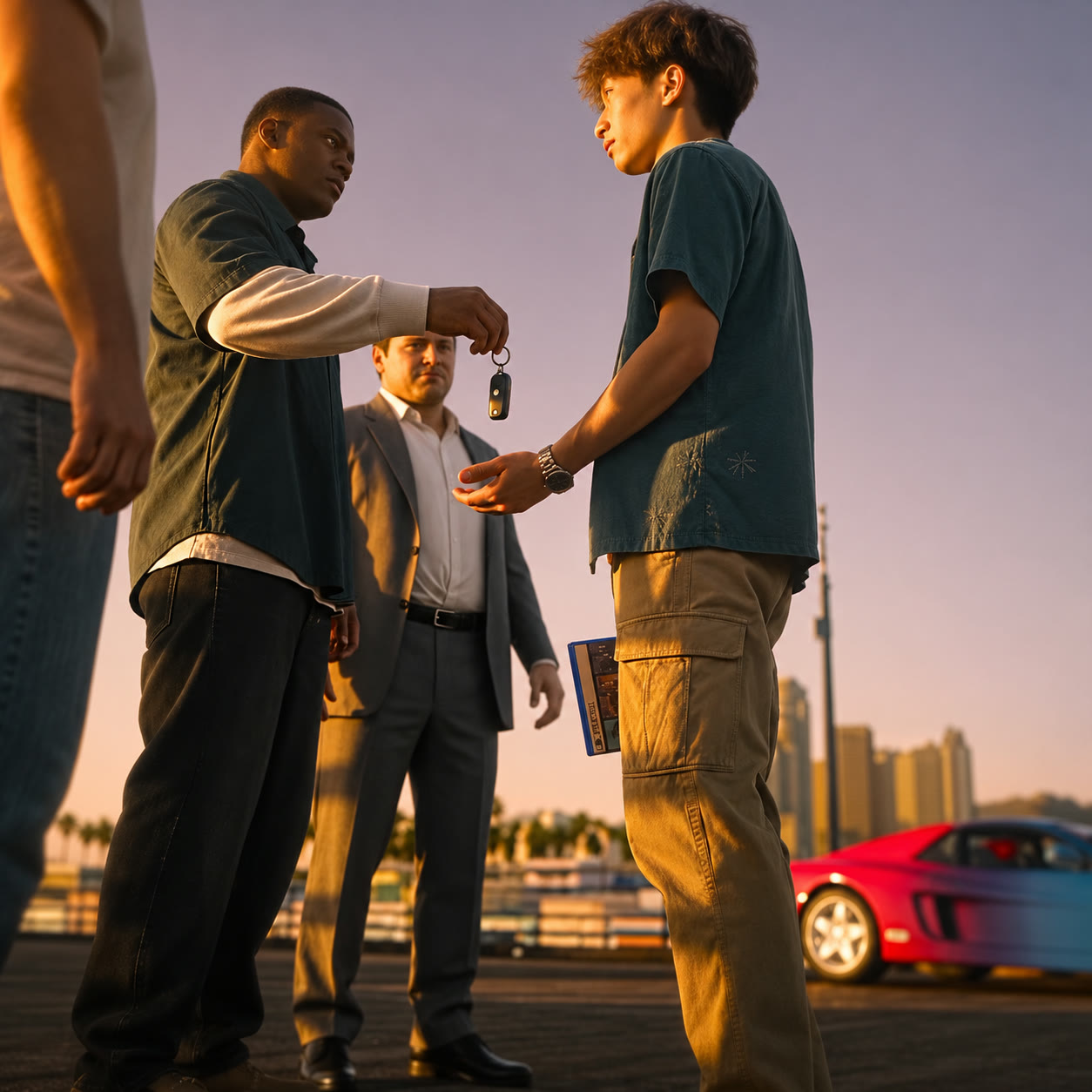
GTA 5 Goodbye AI
1 photo · 15s · 1:1
 Use this template
Babydoll Two-Step
1–3 photos · 5s · 9:16
Make an 8-second 9:16 Goodbye 2026, Welcome 2027 sunrise climb from one photo. The generator is render-unverified — label the result as AI.