
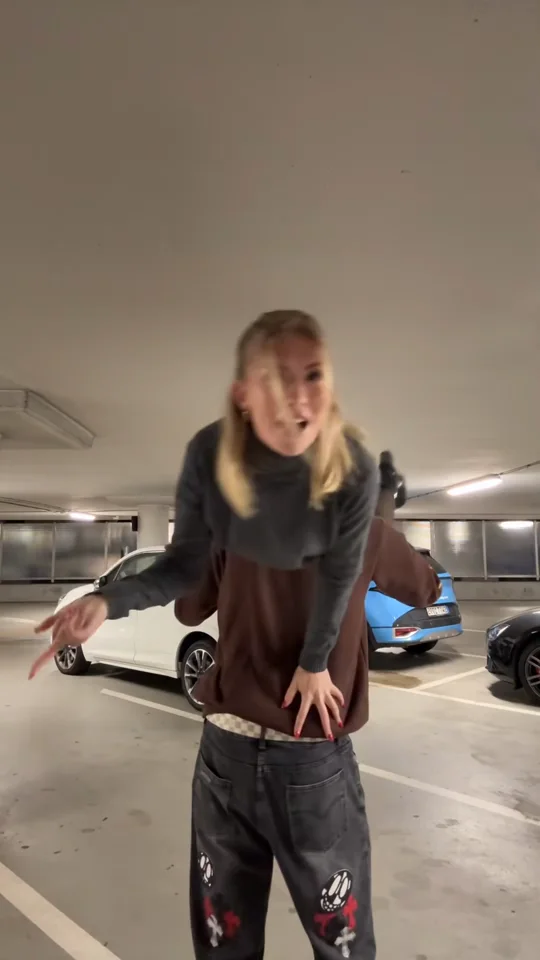
 Example
Shoulder Carry AI Trend
One person starts across the other’s shoulders. After a quick turn, the rider sits upright and faces the camera, making it look like they were carrying the other person all along. Make the I’m the One shoulder carry reveal from two photos.
Make your Shoulder Carry video
Add the carrier first and the rider second. For the pet version, use your pet as the rider. Choose a scene and video quality to see the credit price.
1 · Add two photos
2 · Pick your scene
3 · Choose quality and generate
Use photos of consenting adults and your own pet. Oraclip is independent of the original creator and music rights holders. Each render uses credits. Failed renders are refunded automatically. See plans

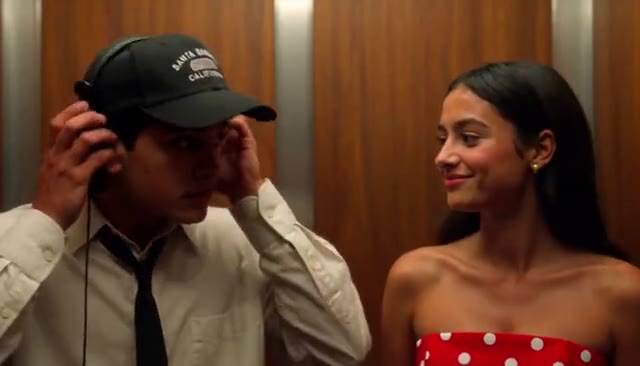
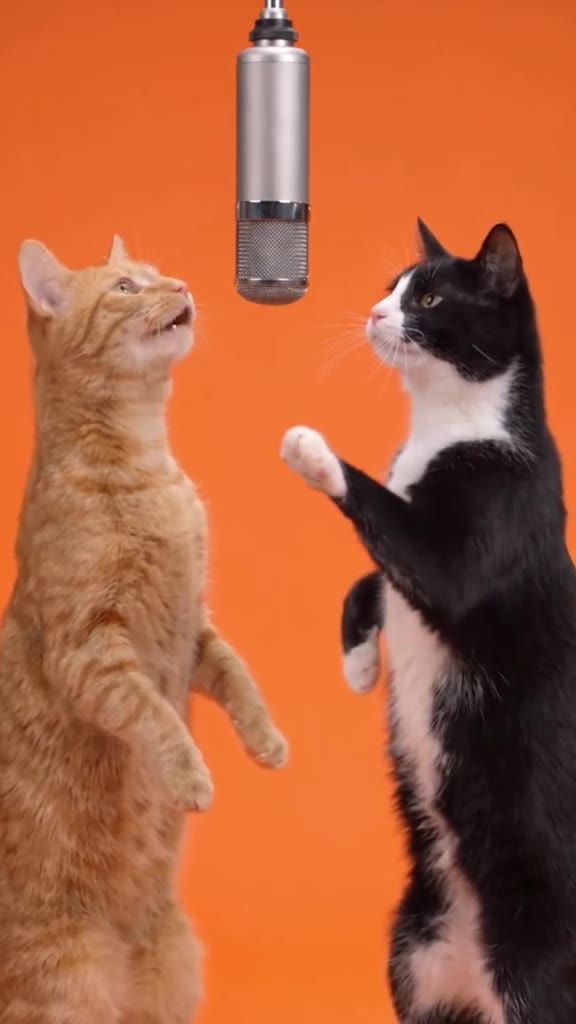
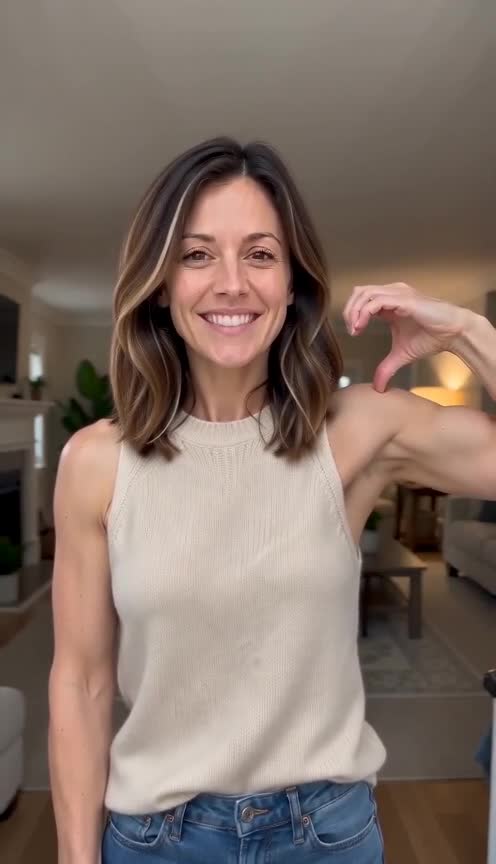
How the Shoulder Carry AI reveal works
The opening pose establishes the carrier and rider. A controlled turn briefly overlaps the two silhouettes. When the rider sits up and makes eye contact with the camera, they appear to take the lead even as the carrier supports them.
Turnly counted 84 creators posting an AI take during the seven days ending November 7, 2026. The video beside the generator is a credited trend reference.
Photos for a couple or friends
Use clear, evenly lit portraits with one person in each photo. Distinct outfits help viewers follow who is who through the turn.
A shoulder perch for your pet
Use an adult’s portrait for the carrier and a clear cat or dog photo for the rider. The scene uses a supported perch and a look to camera.
Fine-tune your video
Same prompt, full controls: switch the model, length or aspect ratio, attach a reference video, then generate.
Shoulder Carry AI FAQ
What is the I’m the One Shoulder Carry trend?
It is a two-person short video in which a shoulder carry and a turn make the rider appear to be the carrier.
Which photo goes in each slot?
Add the adult who starts standing as the carrier. Add the adult who starts across their shoulders as the rider, or use a pet photo with the pet scene.
What format does the video use?
The template makes a 10-second 9:16 video, with 480p and 720p quality choices.
Does it use the original song?
Generated clips use Rockot’s Turn It Up under the Pixabay Content License. The creator’s video is shown as a trend reference.
Does Oraclip use the creator’s video to generate mine?
The model uses your two photos and the selected scene prompt. The example clip is there to show the move.
How many credits does it cost?
A 10-second video costs 480 credits at 480p or 1,010 credits at 720p. The generator displays the price before submission.
More photo-to-video trends
More AI trends like Shoulder Carry AI
Same steps on every page: add your photos, pick a version, generate.
 HotUse this template
Santa Nice List AI
1–2 photos · 10s · 9:16
🔥 Christmas🐾 Pets💞 Couples HotUse this template
A2O LITE NEON AI Dance
2 photos · 6s · 9:16
🕺 Dance💞 Couples👯 Friends Use this template
Closing Door Prank AI
1–2 photos · 10s · 9:16
👯 Friends💞 Couples🐾 Pets HotUse this template
Hop Hop Hop AI
1–2 photos · 8s · 9:16
👯 Friends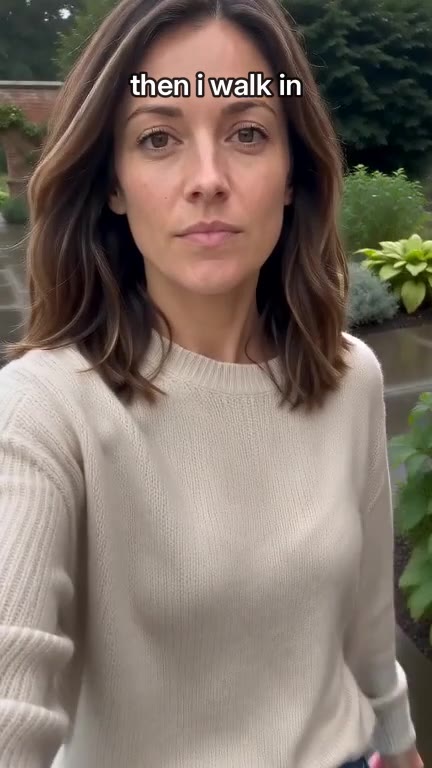 HotUse this template
Then I Walk In AI
1–3 photos · 8s · 9:16
👯 Friends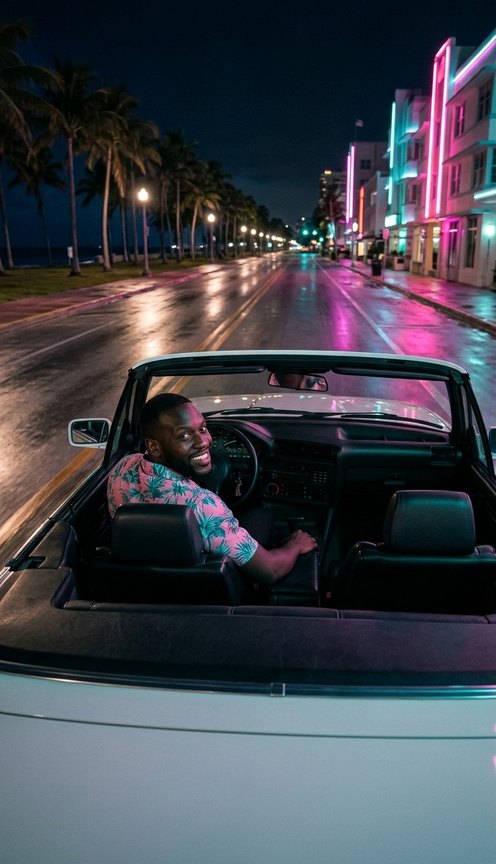 Use this template
GTA 6-Style Night Drive AI
1–2 photos · 10s · 9:16
🐾 Pets👯 Friends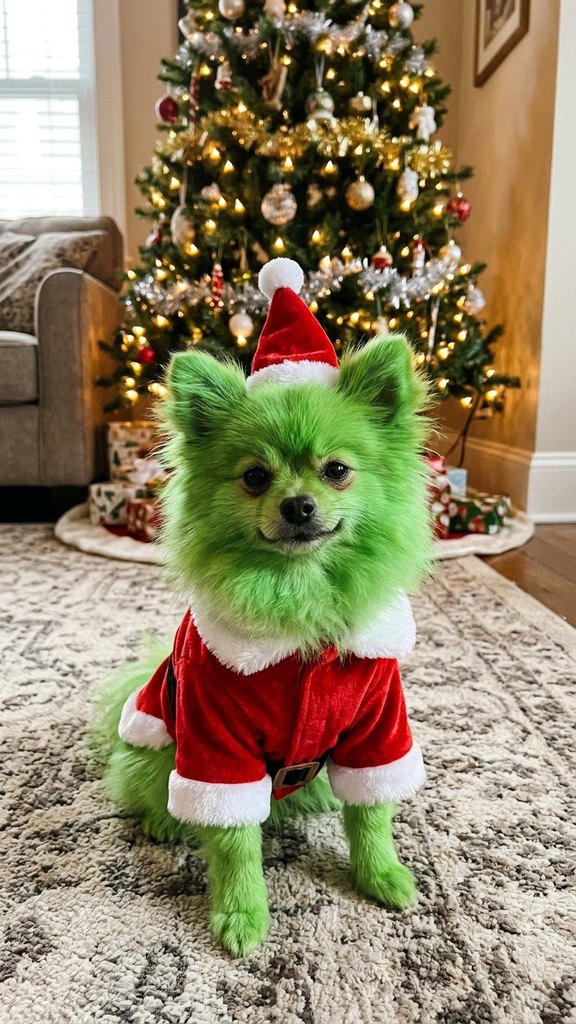 HotUse this template
Grinch Pet AI
1 pet photo · 8s · 9:16
🔥 Christmas🐾 Pets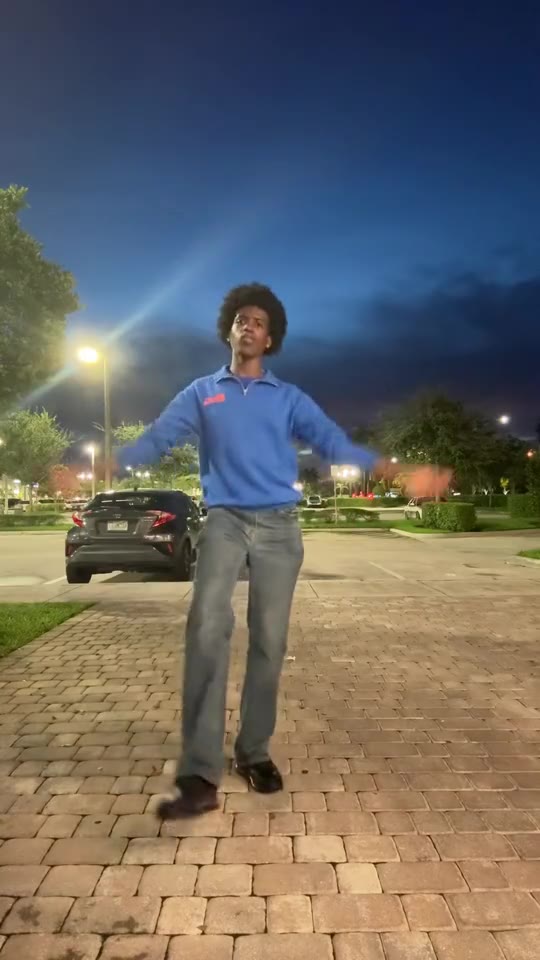 HotUse this template
Pick It Up Dance AI
1–2 photos · 10s · 9:16
🕺 Dance👯 Friends
Make the Shoulder Carry reveal
Cast the carrier and rider from two photos.