
Cinematic AI Video Prompts: 7 Camera-Move Clips from X to Copy
Seven cinematic AI video prompts from X with finished clips: a night train chase, ice-and-fire monster fight, Kling 4.0 wuxia temple battle, Optimus city orbit, bed-to-city VFX, golden-hour time-freeze love orbit, and a leather product macro.
 Oraclip Team
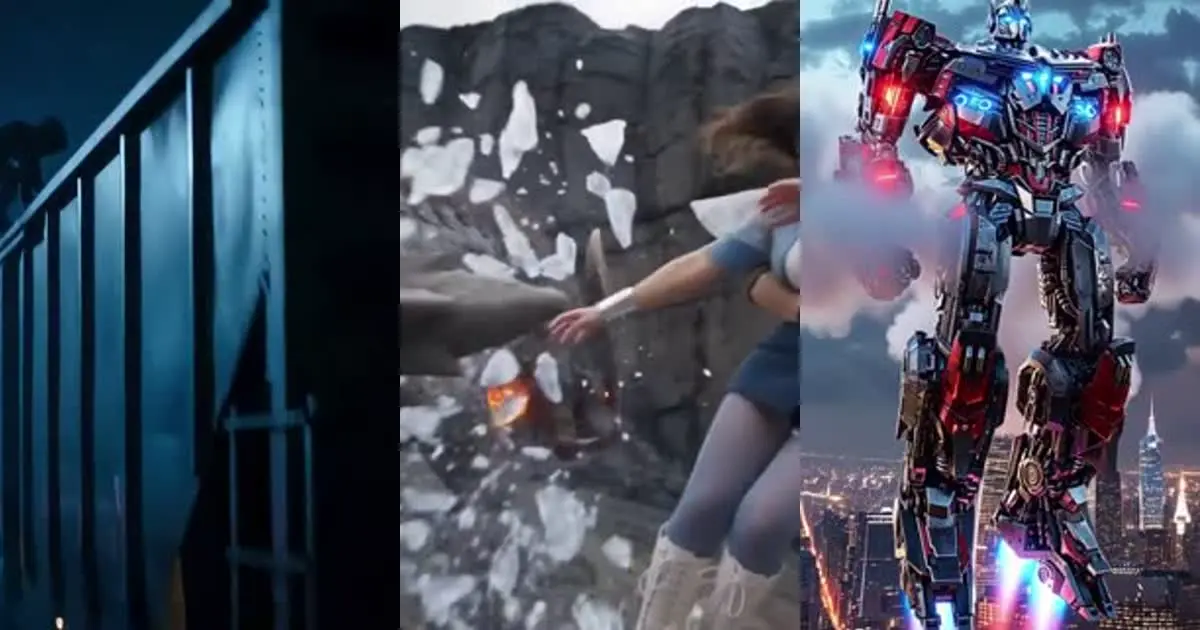
Searching "cinematic AI video prompts" mostly returns camera-move cheat sheets with no finished clip attached. These seven prompts were posted on X around November 5–6, 2026, and each one is already in the Oraclip library with its video: a timed night train chase, an ice-and-fire monster fight, a Kling 4.0 wuxia temple battle, an Optimus city landing orbit, a bedroom-to-futuristic-city VFX beat, a golden-hour time-freeze love orbit, and a distressed-leather product macro. For each one you get the creator, the original post, a short excerpt, what it does, and a deep link to run it.
Do it now: open the Seedance 2.5 generator →, or pick a prompt below and hit Try in Oraclip. For longer fight scenes, also see Kling vs Oraclip and the cinematic shot director skill.

What makes a cinematic AI video prompt work
A cinematic prompt is a short shot list: timed beats, one clear camera move per beat, and lighting that sells the genre. The seven below share the same parts:
| Part | What it does | Example below |
|---|---|---|
| Timed beats | Second ranges or scene numbers so the model doesn't freeze | night train 0–3s / 3–6s |
| Named camera move | Orbit, low-angle track, push-in, crash zoom — one per beat | Optimus city orbit |
| Genre lighting | Moonlight fog, golden hour, rain lanterns, amber volumetric | leather macro |
| Asset lock | Outfit / creature / product stays consistent across cuts | wuxia katana master |
| Negative / avoid list | Blur, morphing, watermarks, deformed limbs | ice-and-fire fight |
1. Night train chase showdown, by @itsSaira_1
"CINEMATIC NIGHT TRAIN CHASE – THE FINAL CONFRONTATION Create an ultra-realistic, Hollywood-style cinematic action sequence… SCENE 1 – THE MOVING TRAIN (0–3s) A massive freight train races through a remote railway track at midnight…" — @itsSaira_1 on X
What it does: a 15-second Seedance 2.5 action sequence written as numbered scenes with time ranges and camera notes (low-angle track, confrontation on the train roof). It's the cleanest "timed shot list" template in this batch.
Run it on Oraclip: open the prompt page → Try in Oraclip. Keep the second ranges; swap the stunt beats for your own chase.
2. Ice and fire heroes vs magma monster, by @juliaevee

"Cinematic fantasy action scene, a teenage female hero with ice magic wearing a blue-and-white outfit and a male hero in a red jacket wielding fire powers fight a massive reptilian magma-monster in a rocky canyon. Dynamic camera movement…" — @juliaevee on X
What it does: a single-paragraph Seedance 2.5 fantasy fight that still names powers, outfits and the creature so the VFX stay readable. Short enough to remix when you only have a character sheet.
Run it on Oraclip: open the prompt page → Try in Oraclip.
3. Kling 4.0 wuxia five-tigers temple fight, by @yourPlugAI

"[ENGINE DIRECTIVE - KLING 4.0] Generate continuous 30s 35mm Wuxia fight in 16:9 at 60fps using Kling 4.0… Maintain strict asset visual consistency: Sora (dark slate silk tunic…) vs 4 Masked Assassins… Setting: Rain-Drenched Cliffside Temple Courtyard." — @yourPlugAI on X
What it does: a long-form Kling 4.0 brief with engine, audio and asset-lock sections. Use it when a fight needs 20–30 seconds of continuous motion and you want the wardrobe to survive every cut.
Run it on Oraclip: open the prompt page → Try in Oraclip. Oraclip doesn't host Kling itself — start from Seedance 2.5 or read Oraclip vs Kling.
4. Optimus robot city landing orbit, by @Aiminithoughts
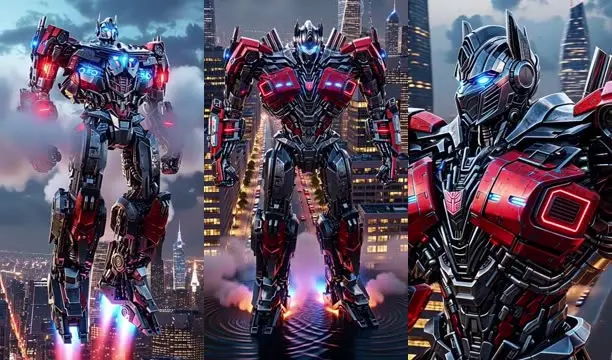
"A massive Optimus robot descends from the clouds into a futuristic city, landing between towering skyscrapers as powerful shockwaves ripple outward… The camera uses a dynamic circling orbit around the giant robot, starting wide…" — @Aiminithoughts on X
What it does: a Grok Imagine sci-fi hero shot that names one primary move (circling orbit) and keeps the subject centered while the city parallax sells scale. Good template for any giant-robot or mech landing.
Run it on Oraclip: open the prompt page → Try in Oraclip. Also try Grok Imagine Video 1.5.
Copy the @Aiminithoughts prompt →
5. Bedroom bed ascends into futuristic city, by @mehvishs25

"Cinematic Vertical AI Video Prompt Duration: 15 seconds Aspect Ratio: 9:16 Vertical Style: Ultra-realistic cinematic storytelling, seamless transitions… 0–3s: Pre-dawn inside a luxurious modern loft apartment…" — @mehvishs25 on X
What it does: a vertical Seedance 2.5 storyboard where a bedroom lifts into a sci-fi city. The value is the timed transition beats — reuse the structure for any "ordinary room → impossible location" reveal.
Run it on Oraclip: open the prompt page → Try in Oraclip.
6. Golden-hour time-freeze love orbit, by @AaqibVx

"A breathtaking ultra-premium cinematic love story. A handsome young man in a perfectly tailored navy-blue suit stands in the middle of a spectacular grand city boulevard at golden hour… the entire world appears to freeze — raindrops suspended in midair…" — @AaqibVx on X
What it does: a romance beat that combines a time-freeze gag with an orbit around the couple while the crowd stays frozen. Use it when you want one hero camera move to carry the whole emotional payoff.
Run it on Oraclip: open the prompt page → Try in Oraclip.
7. Distressed leather product macro commercial, by @SethAIGC

"10-second commercial shoot, 16:9 anamorphic. 0-3s: Macro shot of full-grain, oil-tanned distressed leather showing rich patina… 3-7s: Gentle push-in camera movement as fine dust motes float through warm amber volumetric light… 7-10s: Hero product lockup…" — @SethAIGC on X
What it does: a product ad written as three timed beats (macro → push-in → hero lockup). Folded into this cinematic roundup because the camera language is the same as the action clips — only the subject is a material close-up.
Run it on Oraclip: open the prompt page → Try in Oraclip. Or start from the product hero video skill.
How to write your own cinematic AI video prompt
- Pick one genre look: night fog, golden hour, rain lanterns, amber studio — say it once.
- Write timed beats: 0–3s establish, 3–8s develop, last seconds land on a hero frame.
- Name one camera move per beat: orbit, low-angle track, push-in, crane — not "dynamic camera."
- Lock the assets: outfit colors, creature shape, product materials.
- Add an avoid list: blur, morphing, watermark, deformed limbs.
- Generate on Oraclip. You see the credit cost before you run. Start with Seedance 2.5 or the cinematic shot director.
FAQ
Which model should I use for cinematic camera moves? Most of these were made with Seedance 2.5; one used Kling 4.0 and one Grok Imagine. On Oraclip, start with Seedance 2.5 or Grok Imagine Video 1.5. For Kling-style fight briefs, adapt the prompt and compare via Oraclip vs Kling.
Do I need a reference video? No. These are text (or image-to-video) shot lists. If you already have a camera path you like, Oraclip's motion / image-to-video tools can reuse it — see image to video AI.
Where are more camera-move prompts? Browse camera-move prompts and product prompts, or read Seedance 2.5 prompts and UGC ad video prompts.