
Bad Aim Edit Trend: How to Make the Office Archery Video
How to make the Bad Aim Edit trend video from one photo: miss a flying target in a field, then a black-and-white office strut. 15-second clip from 720 credits.
 Oraclip Team
The Bad Aim Edit trend is the two-part AI video that starts with a complete miss and ends with unshakable confidence. In a grass field you draw a recurve bow, a flying target goes past, and the arrow misses badly. Then a hard cut: a black-and-white office strut in fight gloves, a sip from a mug, a shh, and a walk out the door. This guide explains what the Bad Aim Edit trend is, how the 15-second scene is built, and how to make your own version from one photo on Oraclip's Bad Aim Edit AI page, including the clothes, fighter and pet looks, what it costs, and how the sound works.
Skip to the generator: Bad Aim Edit AI →
Oraclip's page is its own AI take on the trend, made from your photo. It is not the Glorify template or a CapCut template, and Oraclip is not affiliated with Glorify, @glorify_studio, MakeViral, CapCut or TikTok. The template's original sound is not used.
What is the Bad Aim Edit trend?
The Bad Aim Edit is an AI video trend from November 2026. A character tries archery in a grass field, misses a flying target completely, and the target drops onto the grass. Then the clip hard-cuts to a slick black-and-white office montage, cut on the beat: fight gloves, a grin, a sip from a mug, a shh, and a walk out the door. The joke is the turn: terrible aim, then pure confidence.
It started as a template in the Glorify app. On 11 November 2026 the app's account @glorify_studio posted the first public take; a striped-sweater version the same day and a red-blazer version the next day are the looks most people associate with the format. The Glorify site is the app behind that account. People drop any look into the same two-part clip.
The older TikTok tag #badaim is mostly about bad aim in shooter games, not this archery template. Search suggestions for the words "bad aim" and "bad aim edit" still lean that way: game clips, streamer memes and editor tools, not this field-then-office format. When people say the Bad Aim Edit in November 2026, they mean this field-then-office clip.
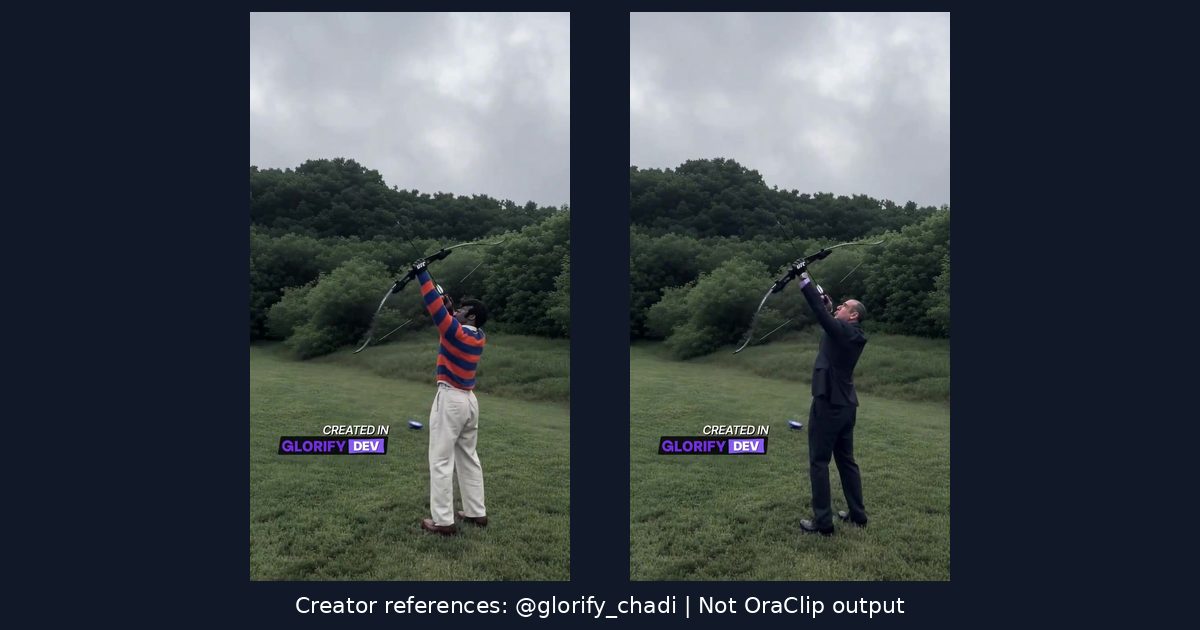
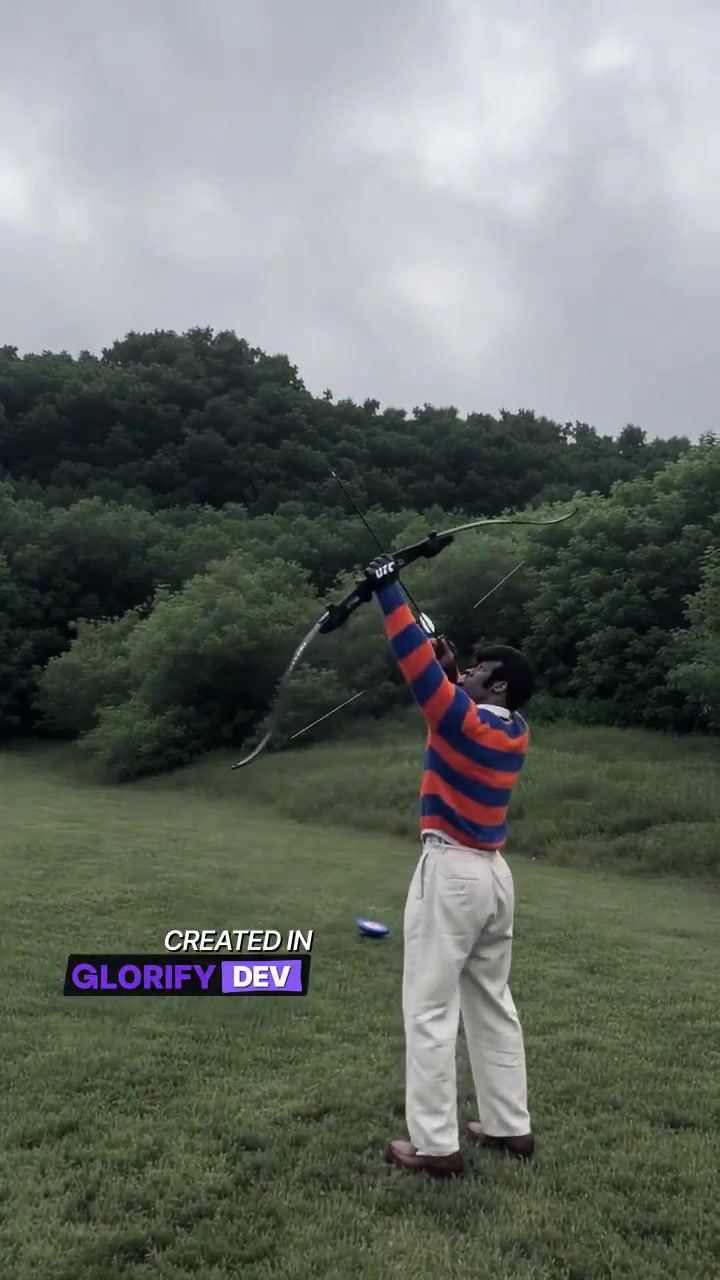
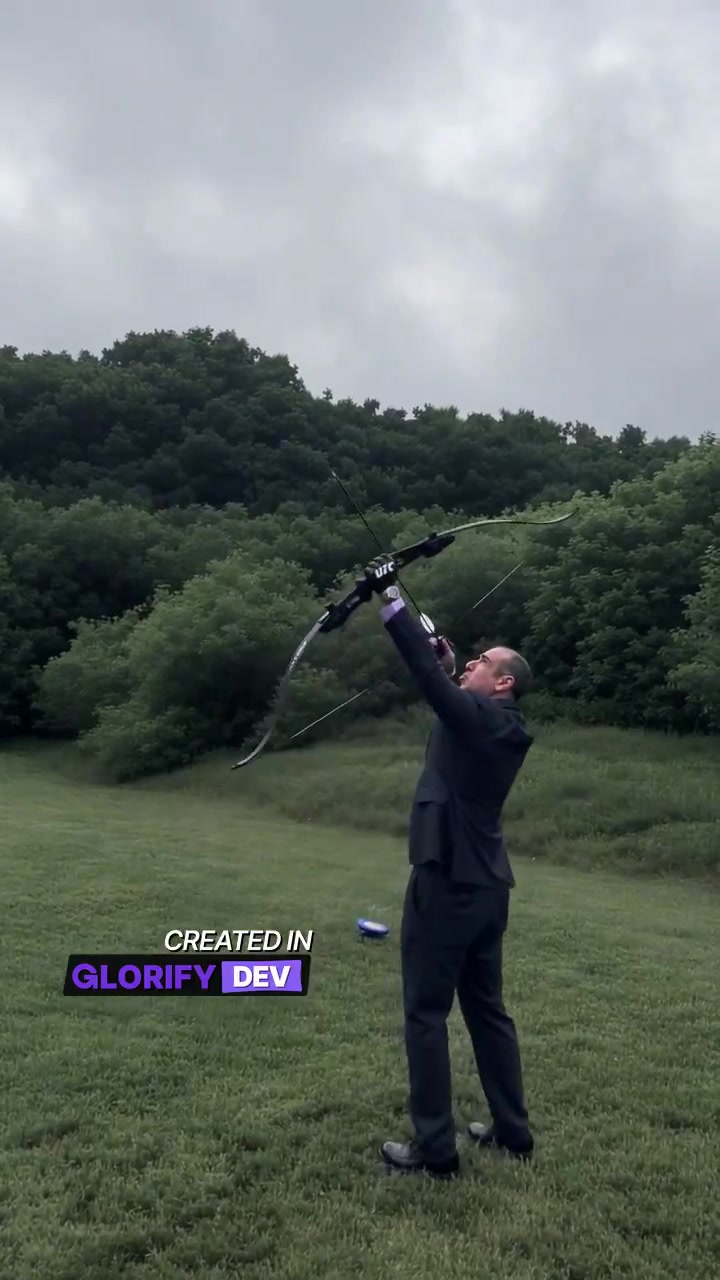
This guide uses two real creator-reference frames from @glorify_chadi: the striped-sweater original and the dark-suit original. Their Glorify watermarks remain. These references are not OraClip-generated examples, proof of our output, a partnership or a licence grant. Public posting is not permission for unrestricted reuse. A rights holder can request removal. The generator and the Bad Aim Edit AI page remain separate from these credited examples.
How the 15-second scene is built
The versions that spread all keep the same two-part structure. Oraclip's generator is designed around that timing, so it helps to know what each stretch is doing:
- 0–5 seconds, in a green field under a grey sky. You aim a recurve bow at a flying target, miss badly, and watch it drop onto the grass. This is the setup. If this beat is too short, the office cut has nothing to land against.
- 5–6 seconds, a hard cut. The picture switches to a training room with punching bags, and from here the image is black and white.
- 6–15 seconds, the office montage on the beat. A walk, a grin, a sip from a mug, a gloved shh, a drink from a bottle, and a walk out the door.
Fifteen seconds is enough for that arc, which is why the Bad Aim Edit AI page keeps a fixed 15-second, 9:16 clip and does not offer a shorter duration. You do not storyboard it. The field, the office and the cuts are already set.
People also call it the bad aim office edit or the archery fail AI video. Those names point at the same trend: the first five seconds are the miss; the rest is the confident office strut. The contrast is the joke.
How to make the Bad Aim Edit video
You do not need a bow, an office or the original template. You need one clear photo, about a minute, and credits for one render. Open Bad Aim Edit AI and work through the generator under the heading.
Step 1: upload one photo
The generator takes a single photo of you or your pet. The model has to read a face or a head in the office close-ups and a body in the field, so:
- one adult or one pet per photo, knees-up or full body;
- face or head clearly visible, looking toward the camera;
- daylight or a bright room, no heavy filter;
- the outfit you want to keep, if you pick Your own clothes.
Skip group photos, two pets in one frame, blurry or head-only close-ups, sunglasses that hide the face, and anyone under 18. Only upload photos of yourself, your own pet, or adults who agreed to be in the clip. No children, celebrities, public figures or look-alikes.
Step 2: pick a look
Pick one of three versions. The 15-second timing is the same in all of them.
- Your own clothes (1 photo). You keep your face, hair, build and outfit from the photo, and pick up black fight gloves in the office. This is the version most people post, because the joke works in a sweater as well as a suit.
- Fighter look (1 photo). You keep your face and get the white trousers, the black belt and the gloves of the first public take, then the same field-to-office cut.
- Your pet (1 photo). Your dog or cat stands on its hind legs, tries the bow, misses the target, then struts through the black-and-white office in tiny fight gloves. Any breed works if the head and body are in view.
There is one short optional field for a detail, such as "a striped sweater" or "a red blazer". One phrase is enough; a paragraph is more likely to fight the fixed scene than improve it. You do not write a prompt for the whole clip.
No verified pet or Fighter-look output is shown in this guide. The pictured examples are credited creator references, not results from this generator.
Step 3: pick a quality and generate
A 15-second clip costs 720 credits at 480p (the default) or 1,520 credits at 720p with Seedance 2.0 Mini. The photo is a free input. 480p is fine for most phone feeds; 720p is sharper if you want the face crisp in the office close-ups.
There is no free preview: every render uses credits, and failed renders are refunded automatically. The exact cost is always shown before you generate. Plans and credit packs are on the pricing page.
A typical new-account signup grant is smaller than 720 credits, so it will not cover this 15-second clip on its own. Check the current offer on the pricing page before you plan a free trial of this specific trend.
Step 4: check the clip, then post it
You get a vertical 9:16 MP4. A licensed beat is put on the clip after it renders, so the office cuts still land on a rhythm. The template's original sound is not used, and this page is not a source for that track. You can mute or replace the sound when you post. If you post the clip, say it was made with AI, and only share a video of yourself, your pet, or adults who agreed to appear.
What the generator will not do
A few limits are easy to miss if you come to the Bad Aim Edit AI page from another template:
- It is one photo, not a motion-reference upload and not a two-photo street scene.
- Duration and aspect ratio are fixed at 15 seconds and 9:16. There is no duration picker.
- The model on the page is Seedance 2.0 Mini. You choose 480p or 720p, not a different model family.
- The stills on the page illustrate the joke. They are not a preview of your face in the scene, and they are not a finished sample generated from a customer photo.
- Oraclip is not affiliated with Glorify, @glorify_studio, MakeViral, CapCut or TikTok, and this guide is not a collaboration with those products or creators.
If you want other photo-to-video jokes after this one, the trends catalog is the starting point. Two nearby pages with a similar one-photo setup are You Never Let Her Pay AI and Groomer vs Dog AI.
FAQ
What is the Bad Aim Edit trend?
An AI video trend from November 2026: a character misses a flying target with a bow in a grass field, then the clip hard-cuts to a black-and-white office montage full of confidence — a mug, a grin, a shh and a walk out the door. It started as a Glorify app template, first posted by @glorify_studio on 11 November 2026.
How do I make a Bad Aim Edit video of myself?
Open Bad Aim Edit AI, upload one photo of yourself, pick Your own clothes or Fighter look, and press Generate. You get a 15-second vertical MP4: you miss the shot in the field, then own the office. You do not write a prompt.
Can my dog or cat do the Bad Aim Edit?
Yes. Pick Your pet and upload one photo of your dog or cat: it stands on its hind legs, tries the bow, misses the target, then struts through the black-and-white office in tiny fight gloves. Any breed works if the head and body are in view.
Do I have to wear the fighter outfit?
No. Your own clothes keeps the outfit from your photo and only brings in black fight gloves for the office shots, like most posts of the trend. Fighter look gives you the white trousers, the black belt and the gloves of the first public take.
How many credits does a Bad Aim Edit video cost?
A 15-second clip costs 720 credits at 480p or 1,520 credits at 720p with Seedance 2.0 Mini. The photo is a free input. Failed renders are refunded automatically. The price is shown before you generate. There is no free preview.
Can I make a Bad Aim Edit video for free?
There is no free preview, and this 15-second clip costs 720 credits at 480p, which is more than a typical new-account signup grant. Registration and chatting with the agent can still be free; the current offer is on the pricing page. Failed renders are refunded automatically.
Does it use the original Bad Aim Edit sound?
No. The template's sound belongs to its owners, so your clip is scored with a licensed beat after it renders, and the office cuts still land on a rhythm. You can mute or replace the sound when you post. This guide does not provide the original track.
Is this the Glorify template or a CapCut template?
No. Those templates put a character into the same clip. This page generates a new video from your photo, with our own sound. Oraclip is not affiliated with Glorify, @glorify_studio, MakeViral, CapCut or TikTok.
Can I use a photo of a celebrity or a child?
No. Only photos of yourself, your own pet, or adults who agreed to be in the clip. No children, celebrities, public figures or look-alikes.
More funny photo-to-video trends
- Bad Aim Edit AI: the generator, with the three looks and the 15-second timing already set.
- You Never Let Her Pay AI and Groomer vs Dog AI: other one-photo comedy clips.
- All trends and pricing.
Photo ready? Make your Bad Aim Edit video.