
A Higgsfield Genjutsu Alternative for Motion Transfer From One Photo
Looking for a Higgsfield Genjutsu alternative? Oraclip does Genjutsu-style motion transfer from a single photo: add the clip whose motion you want, up to 30 seconds, or start from a viral trend template. Below is a fair, side-by-side look at both tools.
- 1 photo + reference clip
- Up to 30 s of reference video
- Up to 720p
Try a Genjutsu-style motion transfer now
Add your photo and the reference video. Oraclip keeps the motion, camera and timing of the clip and rebuilds the subject from your photo.
1 · Add your photo and your reference video
2 · Or start from a trend
3 · Generate and download
Only upload photos and clips you have the right to use. No public figures, no minors. Exact cost shows before you generate. See plans
What is Higgsfield Genjutsu?
Higgsfield Genjutsu is a video tool from Higgsfield AI that transforms an existing video in two ways. Motion Transfer keeps the motion, camera and timing of a clip and rebuilds the scene from your references. Object Swap replaces a selected character, outfit, product or location and leaves the rest of the shot untouched.
According to Higgsfield, Genjutsu accepts reference videos from 4 to 30 seconds and up to 30 reference images, outputs up to 1080p, and uses Higgsfield’s credit system with the cost shown before each run. A lighter “Genjutsu Lite” mode is listed for clips up to 15 seconds. Details checked on higgsfield.ai/genjutsu on October 21, 2026; they may change.
Higgsfield Genjutsu vs Oraclip: side-by-side comparison
A factual comparison of the motion transfer features, as published by each product on October 21, 2026.
| Higgsfield Genjutsu | Oraclip | |
|---|---|---|
| Modes | Motion Transfer, Object Swap | Motion transfer (motion control), image-to-video, text-to-video |
| Inputs | Reference video 4–30 s, up to 30 reference images | Photo(s) plus up to 30 s of reference video (Seedance 2.5) |
| Max resolution | Up to 1080p | Up to 720p |
| Output length | Follows the reference video | 4–30 s (Seedance 2.5) |
| Aspect ratios | Follows the reference video | Auto, 21:9, 16:9, 4:3, 1:1, 3:4, 9:16 |
| Trend templates | Community “Recreate” examples | Dedicated trend pages and 250+ community prompts |
| Pricing model | Credits, cost shown before each run | Credits, cost shown before each run |
Inputs
Genjutsu is built around an existing video plus many reference images. Oraclip’s motion transfer is built around one photo: add the photo and the clip and you are done.
Output: resolution, length and aspect ratio
Genjutsu goes up to 1080p; Oraclip tops out at 720p with Seedance 2.5, and lets you choose 4–30 seconds and seven aspect ratios. If 1080p matters most, Genjutsu has the edge.
Trend templates and prompts
Oraclip has ready-made pages for the trends people copy most, like Closed on Sunday and the zombie couple, plus a prompt library.
Pricing model
Both tools charge in credits and show the cost before you generate. See each product’s pricing page for current plans. Longer clips and higher resolutions cost more on both, so run a short test at a lower setting before you commit to a full-length render.
Why people look for a Genjutsu alternative
In community discussions the reasons come up again and again: people want to try motion transfer without learning a new workflow, they want a ready-made template for a specific trend, or they want to compare credit costs across tools. A Higgsfield alternative that starts from one photo covers the first two; for cost, compare the price shown before you generate on each site.
There is no single best tool. Genjutsu is strong when you want to rebuild a whole scene from many references or swap one object while the rest of the shot stays untouched, and it outputs up to 1080p. Oraclip is built for the quick version of the same idea: one photo, one clip, a trend preset and a vertical video for TikTok or Reels a few minutes later. Many creators use more than one Genjutsu AI alternative and pick per project.
If you are switching, the habits carry over. A clean reference clip with one continuous shot, a sharp photo whose framing matches the clip, and a short prompt that says what should change are the three things that make motion transfer work in any tool.
Recreate viral Genjutsu trends with Oraclip
Many viral clips were first made with Genjutsu AI. You can make the same formats here from one photo, with a page for each trend that explains the format, shows credited examples and fills in the prompt for you.
Genjutsu-style examples made with motion transfer
Motion transfer clips posted on TikTok. Some creators state they made their clip with Higgsfield Genjutsu; they are shown for comparison and credited to the creator. Use them to judge the style you are after, then try the same idea with a Higgsfield Genjutsu alternative that starts from your own photo: pick a clip with one clear performer, a steady camera and no cuts, and you will get the closest result.
- Example
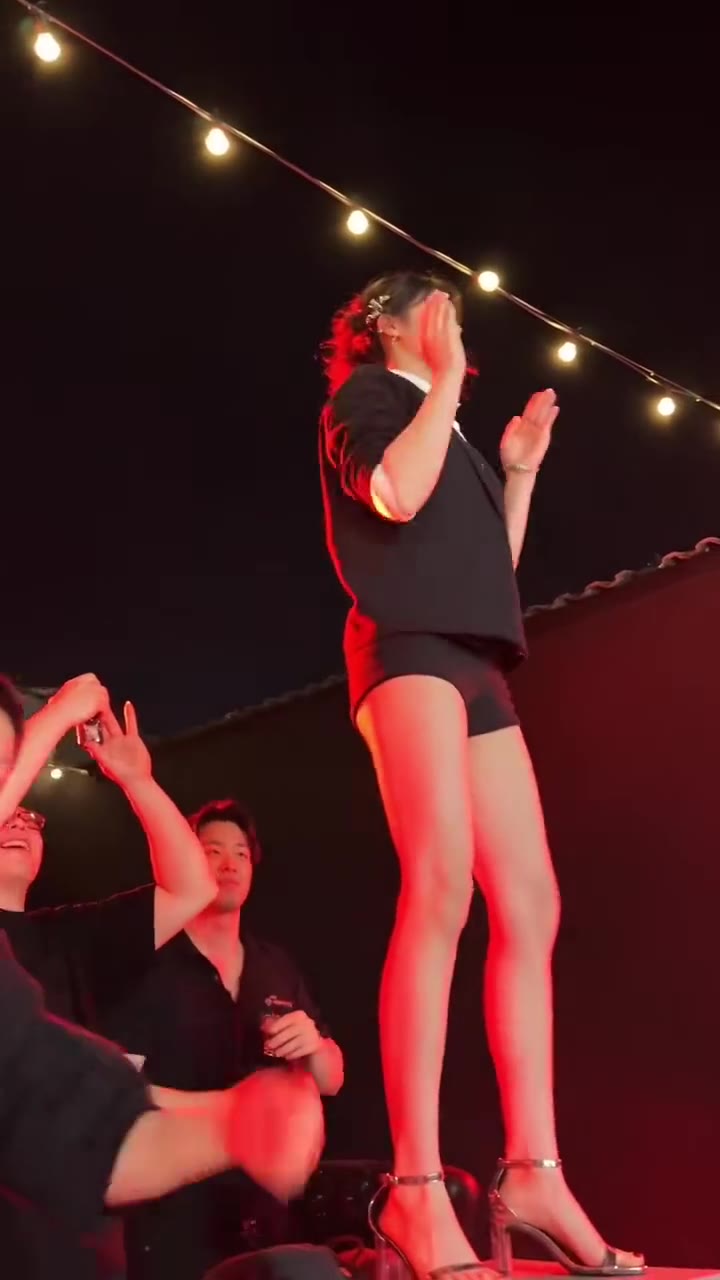
A Tecktonik dance moved onto a new performer
Original post by @bgk0065
- Example
Made with Higgsfield Genjutsu, shown for comparison
Original post by @bellvtrix.ai
- Example
Made with Higgsfield Genjutsu, shown for comparison
Original post by @bellvtrix.ai
- Example
Made with Higgsfield Genjutsu, shown for comparison
Original post by @bellvtrix.ai
Tap a clip to play it with sound. Shown for reference; rights belong to the creator. Creators can ask us to remove a clip at any time. contact@oraclip.com
How to copy a Genjutsu video in 3 steps
Saw a Genjutsu video you love? Recreate the motion with your own photo. Only use a reference clip you have the right to use, such as footage you filmed yourself.
- 1
Add your photo
A clear photo of the person or pet who should perform the motion.
- 2
Add the reference clip
Up to 30 seconds with Seedance 2.5. One continuous shot works best.
- 3
Generate
Check the cost shown, press Generate and download your motion transfer video.
Fine-tune your video
Same prompt, full controls: switch the model, length or aspect ratio, attach a reference video, then generate.
Higgsfield Genjutsu alternative FAQ
What is Higgsfield Genjutsu?
A Higgsfield AI video tool with two modes: Motion Transfer (keep a clip’s motion, rebuild the scene) and Object Swap (replace one element, keep the rest).
Is there a free Higgsfield Genjutsu alternative?
Oraclip is a paid alternative that uses credits; the exact cost shows before you generate, so you can check it before spending anything. See the pricing page for plans.
How much does Higgsfield Genjutsu cost?
Genjutsu uses Higgsfield’s credit system and shows the cost before each run. Check higgsfield.ai for current prices.
Can anyone use Genjutsu?
Genjutsu is available to Higgsfield account holders; plan details are on Higgsfield’s website.
Can I recreate viral Genjutsu trends like Closed on Sunday on Oraclip?
Yes. Open the Closed on Sunday AI or Zombie Couple AI page and add your photo.
Which model does Oraclip use for motion transfer?
Seedance 2.5 by default (up to 30 s of reference video), with Seedance 2.0 for clips up to 15 s.
How long can the reference video be?
Up to 30 seconds in total with Seedance 2.5, or 15 seconds with Seedance 2.0.
Is Oraclip affiliated with Higgsfield?
No. Oraclip is an independent product and is not affiliated with or endorsed by Higgsfield AI.
Can I use the videos commercially?
Use of Oraclip outputs is governed by the Oraclip Terms of Service. Only upload content you have the right to use.
Not affiliated with Higgsfield
Oraclip is an independent product. Higgsfield, Higgsfield AI and Genjutsu are trademarks of their owner and are mentioned only to describe and compare publicly listed features. Feature details for Higgsfield Genjutsu were taken from higgsfield.ai/genjutsu on October 21, 2026 and may have changed since; check the official page before you decide. If anything on this page is inaccurate, email contact@oraclip.com and we will correct it.
Try a Higgsfield Genjutsu alternative with one photo
Higgsfield and Genjutsu are trademarks of their owner, named here only to describe a comparison. Oraclip is not affiliated with Higgsfield AI.